
Payments
Get paid the way they pay.
Take payments online, at the counter and on delivery, and see every one on its order.
Available payment methods depend on your country.
Ways to pay
Every way to pay,
on one order.
Choose the ways you accept. Each payment is recorded on the order it pays for.
Online
Customers pay by card at checkout on your website, in chats, at QR tables and through your API, into your own payment account on Growth and higher.
At the counter
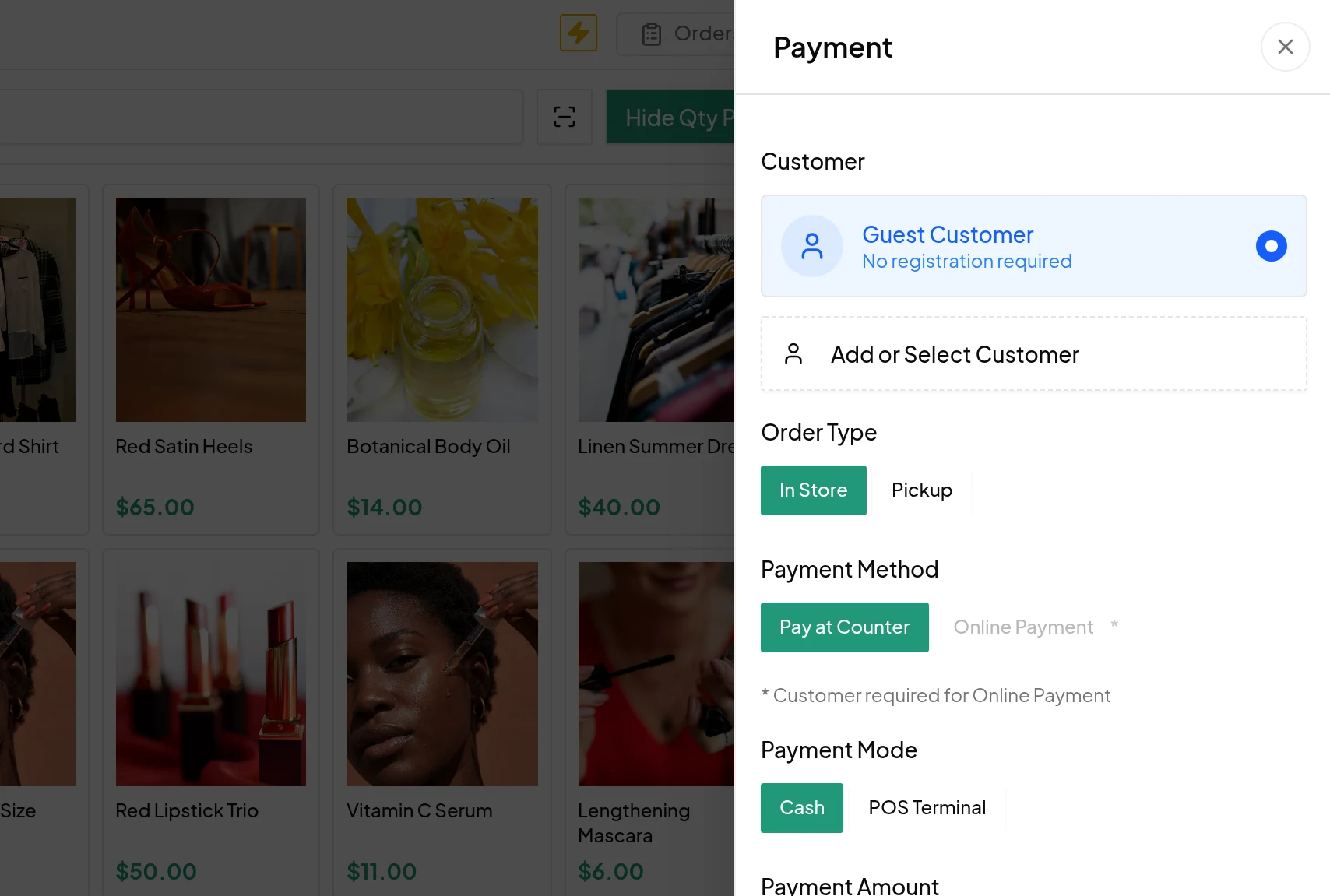
Cash or a card on your own terminal, recorded on the sale in Queek POS. One bill can be split across both.
On delivery
Let customers pay cash at the door when you deliver the order yourself. You confirm the cash on the order.
Your own methods
Add up to ten methods of your own, such as mobile money or a cheque, with the details customers need. You confirm each one.
Online payments
Online payments,
straight to your account.
Connect your own payment account once. Online payments go straight to it, never through Queek.
- 01
Connect your account
Add your own payment account, such as Stripe, in your payment settings. The provider checks your business; Queek runs no identity check of its own.
- 02
Customers pay at checkout
On your website, in your chats, at your QR tables and through your API, in your store's currency.
- 03
The order is marked paid
The money goes to your account, and the order moves to paid as soon as the payment clears.
Your own payment account comes with Growth and higher.
See plans and pricingInvoices
Send the invoice.
Track every part payment.
Invoices is built into Queek. Install it from your dashboard and bill a customer for an order or for any job.
- 01
Numbered for you
Invoices and proformas take the next number in sequence, with your own prefix. Numbers never repeat or skip.
- 02
Tax, discounts and instalments
Add tax and a discount, and split the total into an instalment plan your customer can follow.
- 03
Shared on WhatsApp
Send a link or a PDF with your payment details on it, in English, French or Arabic.
- 04
Every payment recorded
Record transfers, cash and POS payments against each invoice, and see what is paid, part paid and overdue.
Records and refunds
Know what's paid
and what isn't.
Every payment sits on its order, so the counter, the checkout and your books agree.
See the webhooksPaid status on every order
See how each order was paid and whether it's paid, whichever channel it came from.
Payments you confirm
Cash on delivery and your own methods wait on the order until you confirm the money arrived.
Refunds, whole or in part
Refund a whole order or just some items, back to the original payment where the provider allows it, or record a refund you made yourself.
Events for your own tools
Webhooks tell your systems the moment an order is paid or a refund is recorded.
Questions owners ask
Before your first payment.
How can customers pay?
Online by card through your own payment account; in cash at the counter or on delivery; by card on your own terminal; or with a method you name yourself, such as mobile money. Available payment methods depend on your country.
How do I get paid?
Online payments go straight to your own payment account, and your provider pays you out. Cash, card-terminal payments and your own methods come to you directly, and you record or confirm them on the order.
How to check a bank transfer before you shipCan I use my own payment account?
Yes, on Growth and higher, and online payments need one. Connect your own account, such as Stripe, in your payment settings; the provider verifies your business and Queek runs no identity check of its own. Online payments on your website, chats, QR tables and API then go to it.
See plans and pricingCan I take card payments at the counter?
Yes. Take the card on your own terminal and record it on the sale in Queek POS. Card-terminal payments go through your terminal, not through Queek.
Can one bill be paid in different ways?
Yes. At the counter, split one bill across cash and your card terminal.
Can I refund a customer?
Yes. Refund a whole order or just some items. Online payments go back to the original payment where the provider allows it, and a refund you made yourself is recorded on the order.
What does it cost to take payments?
Processing fees are set by the payment provider. Any fee the customer pays is shown on the payment page before they pay.
See plans and pricingGet started
Start taking payments.
Open your store for free, then choose how your customers pay.
Ask Queek AI to show my unpaid invoices
Free to start. See plans and pricing