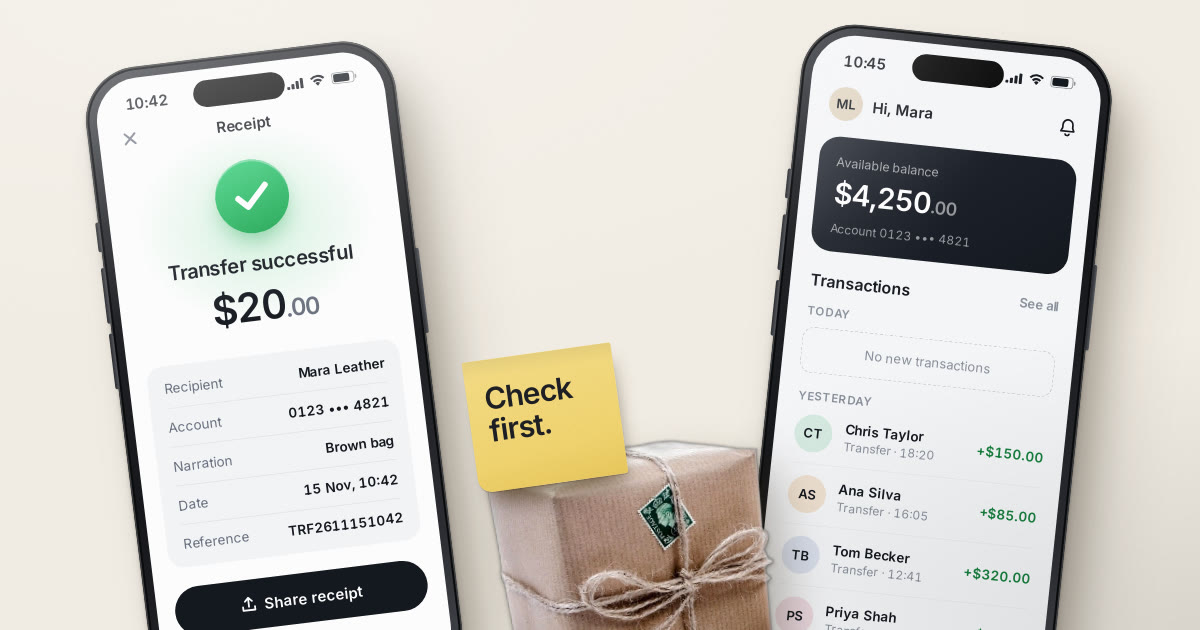
The rider is outside. The customer sends a screenshot: "I've paid, please send it now." The amount is right, the name looks right, so you hand over the parcel.
The next morning you check your account. Nothing came in.
It happens to sellers all the time, and it isn't because they're careless. A fake bank transfer screenshot takes seconds to make.
A fake bank transfer screenshot is a picture, not a payment
A screenshot, a forwarded receipt and even a bank SMS alert can all be made up. None of them put money in your account.
There's only one thing that proves a customer has paid: the money showing in your own bank app. Everything else is the customer telling you they paid.
The 30-second check before anything leaves
If you take bank transfers, make this a rule for everyone who packs or hands over orders:
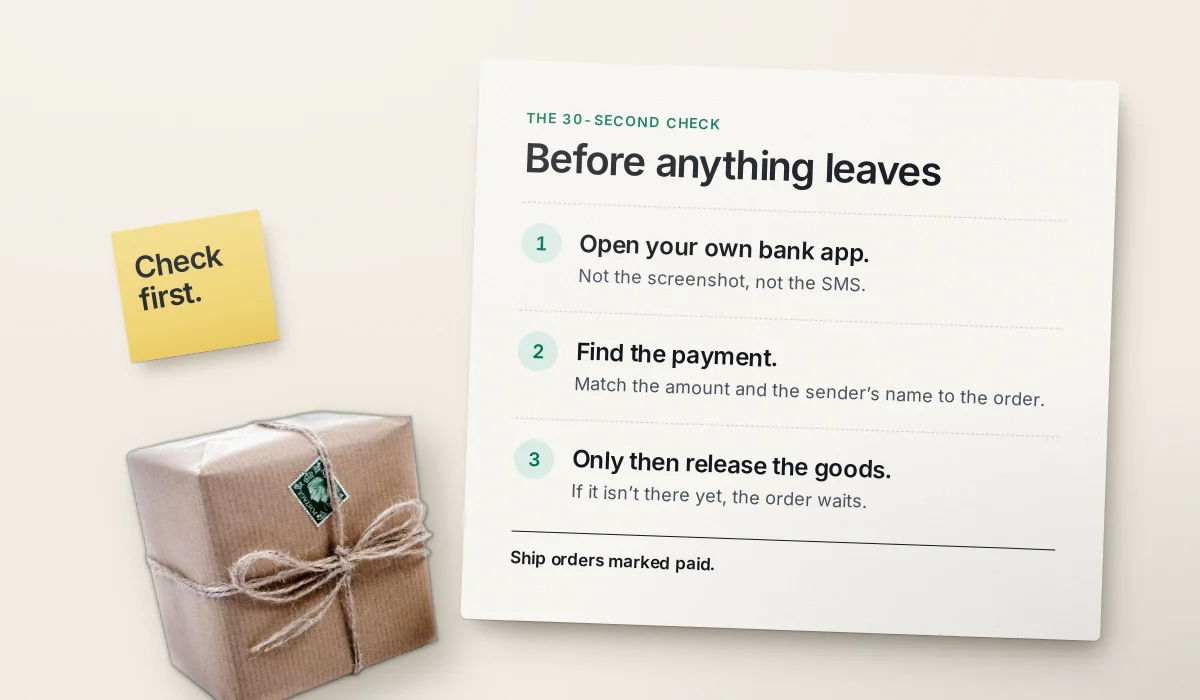
- Open your own bank app. Not the screenshot, not the SMS.
- Find the payment. Match the amount and the sender's name to the order.
- Only then release the goods. If it isn't there yet, the order waits.
If a customer pushes back, keep it simple: "Thanks! As soon as it shows in our account, your order goes out." Genuine customers understand. Fake ones disappear.
Better still: let the payment confirm itself
The check works, but it means someone stopping to open a bank app for every order, on your busiest days too.
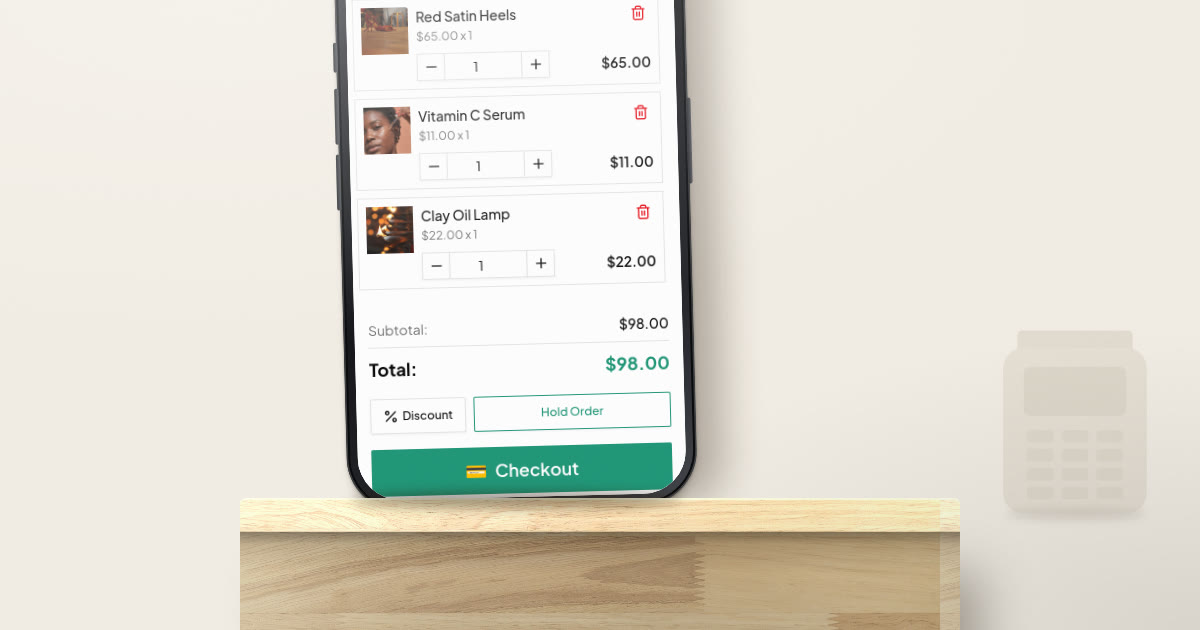
With Queek, customers pay at checkout instead of sending you a picture, through the payment provider set up for your store. When the payment goes through, Queek marks the order paid on its own.
So your rule becomes even simpler: ship orders marked paid. No screenshots to judge, no bank app to scroll.
It works wherever you sell
- On your website. Every Queek store comes with a website and a checkout. Share the link in your bio, your status or your DMs.
- In your chats. With Inboxes, on the Social Media, Growth, Scale and Enterprise plans, your AI Agent takes orders inside your WhatsApp, Instagram and Telegram and sends the customer to pay. The order lands in your list already marked paid when the money comes through.
Every order, from every channel, sits in one order list, so you can see at a glance what's paid.
Still taking direct transfers?
Some customers will always prefer to transfer straight to your account, and that's fine. Where your store offers bank transfer, Queek can't see your bank account, so you confirm those payments yourself. For those orders, keep the 30-second check.
The more customers pay through checkout, the fewer orders need checking at all.
Set it up in a few minutes
- Create your free store at usequeek.com.
- Add your products with prices and photos.
- Turn on payments. See which payment providers work in your country on the payments page. Depending on your country, online payments may need the Growth plan or above.
- Share your store link and start sending customers to checkout instead of your account number.
Stop shipping on a promise
A screenshot is someone telling you they paid. A paid order is proof.
Start your free Queek store and let online payments confirm themselves.
Frequently asked questions
How can I tell if a transfer screenshot is fake?
Often you can't, and you don't need to. Don't judge the picture. Open your own bank app and look for the money. If it isn't there, the order isn't paid.
Is a bank SMS alert proof of payment?
No. SMS alerts can be faked too. Only the balance and transaction history inside your own bank app count.
Does Queek check bank transfer screenshots for me?
No. Queek does not read screenshots. When customers pay through Queek checkout, the order is marked paid only after the payment provider confirms it. Direct bank transfers are still confirmed by you.
What should I do if I already shipped against a fake screenshot?
Ask your rider or courier to hold or return the parcel, call your bank's fraud line, and keep the chat, screenshot and delivery details as evidence.