
The right access for everyone on your team.
Create roles for owners, managers and cashiers, and decide what each one can open. Everyone works from the same orders, stock and payments.
- Custom roles and permissions
- On Starter and up
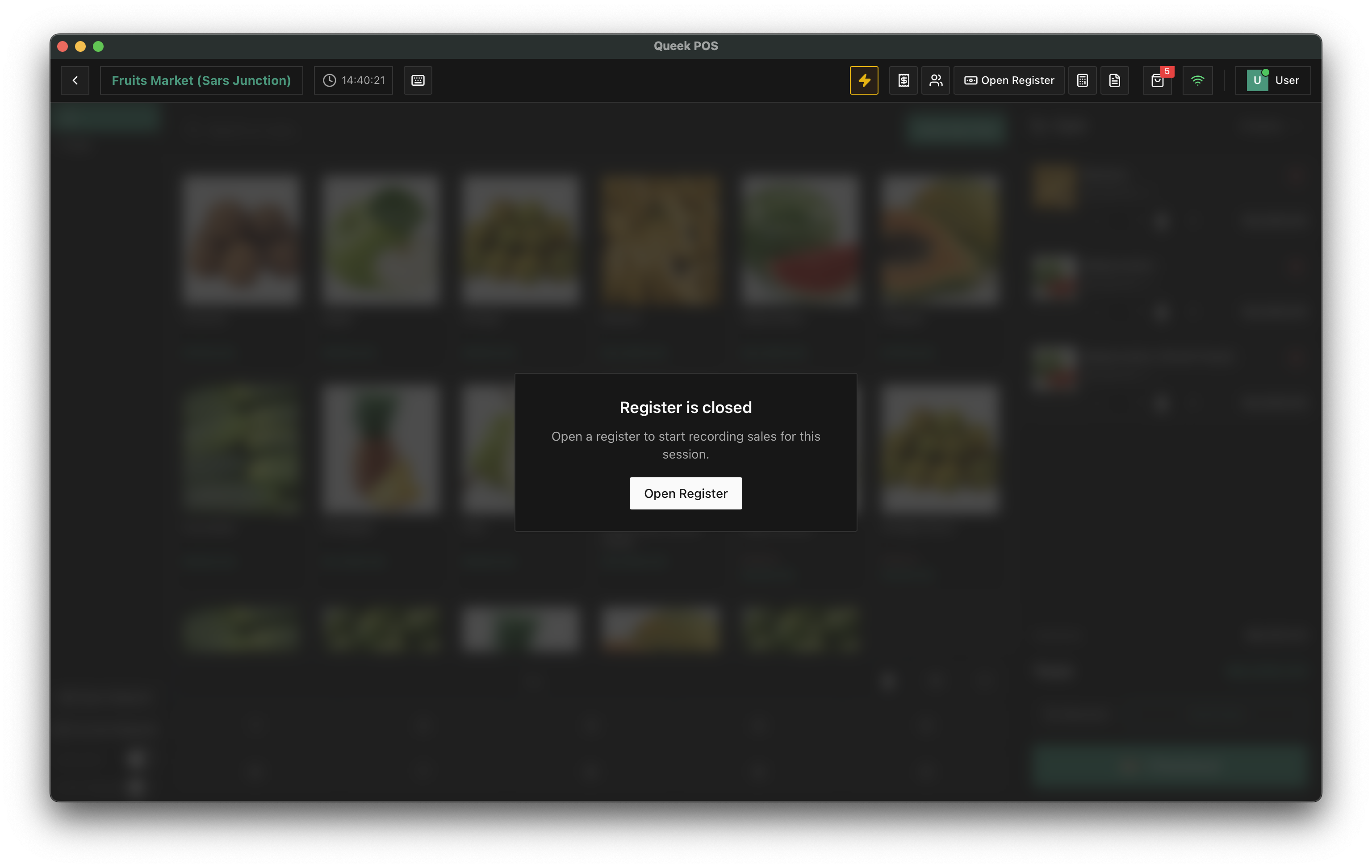
Every shift on its own register.
Cashiers open a register before they record sales and close it at the end of the shift, so each session has a clear start and finish.
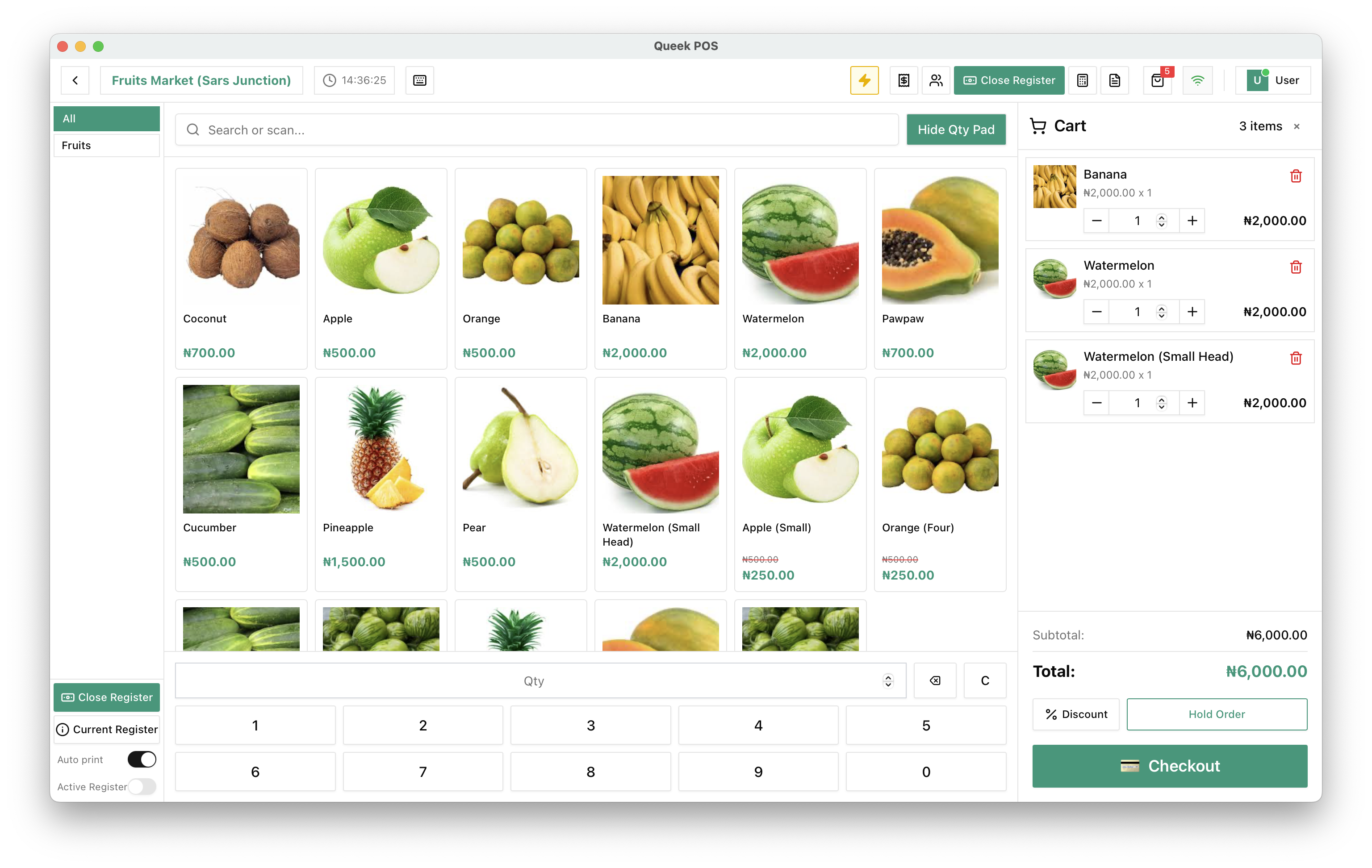
Counter sales and online orders, side by side.
Orders your staff ring up at the counter sit in the same order book as your online orders, so everyone sees the same picture.
Control without the spreadsheet.
Team tools come with Starter, Growth, Scale and Enterprise.
Compare plansCustom roles
Build roles that match how your business runs.
Permissions per role
Decide which parts of Queek OS each role can open.
Register sessions
Open and close the register for every shift.
One order book
Counter and online orders on the same records.
One team, every channel
The same staff run the counter and your online orders.
Team export
Export your team data whenever you need it.
Team questions, answered.
What to know before you add your staff.
Frequently asked questions
Which plans include roles and permissions?

Starter, Growth, Scale and Enterprise.
Can I create my own roles?
Yes. Create custom roles and choose what each one can access, from orders and payments to stock and settings.
Do cashiers need their own register?
POS sales are recorded against an open register, so each shift starts and ends cleanly.
Set up once. Start selling today.
Free to start. Add POS, inboxes and your team when you need them.
- 01
Add your products
Type them in, or let Qee draft them for your approval.
- 02
Choose your channels
Website, inboxes, in-store QR, POS and Marketplace.
- 03
Take your first order
It lands in Queek OS, ready to fulfil.

₦12,800
via online payment
Your first order, on any channel