
From the table to the doorstep, one kitchen queue.
Dine-in, QR table orders, counter sales, chat orders and deliveries land in one list, from one menu.
- POS and QR ordering from Starter
- Dine-in, pickup and delivery
- No commission on your own channels
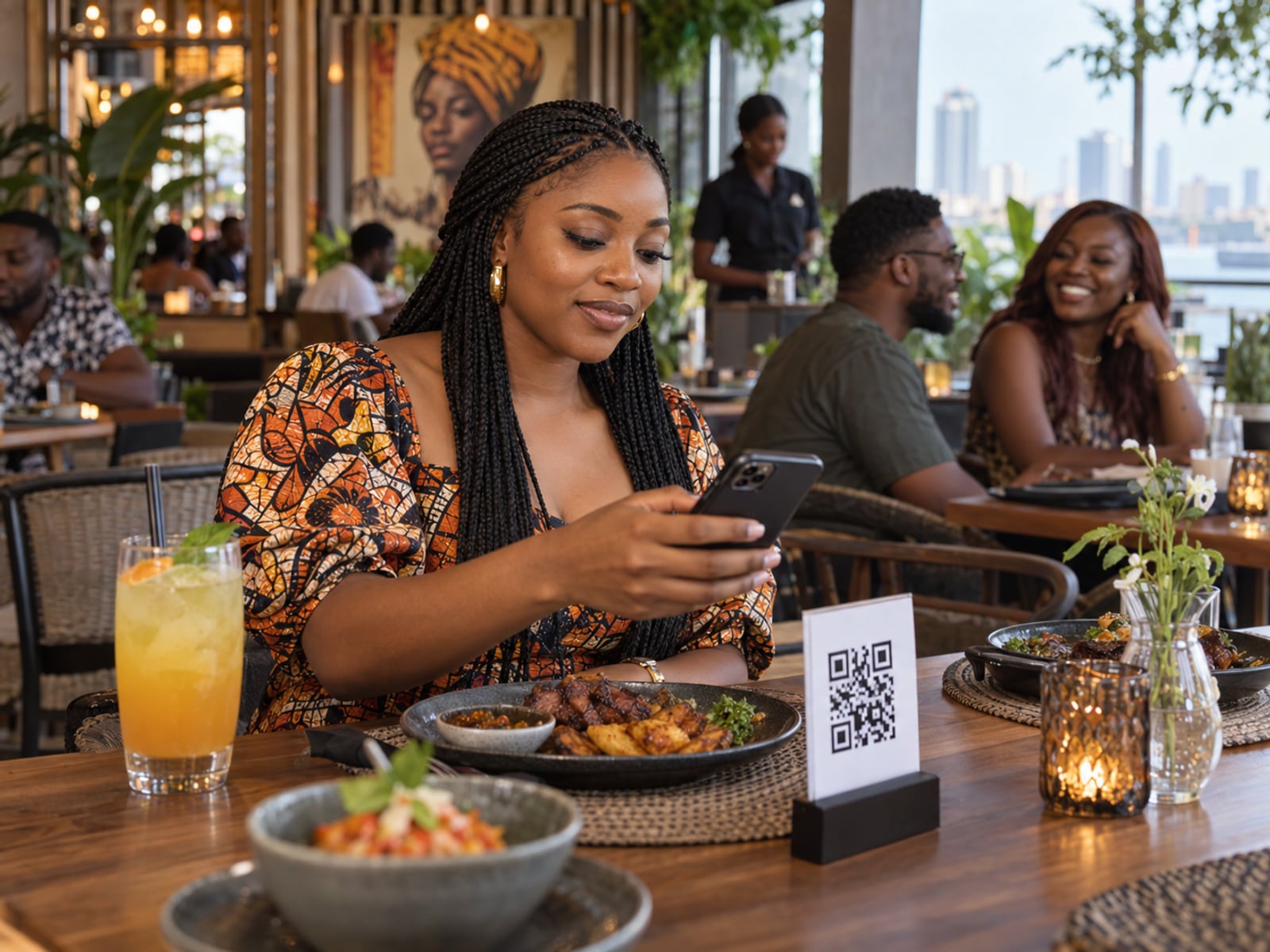
Guests scan, order and pay.
A QR code on every table opens your menu on the guest's phone. Orders arrive as dine-in, beside your counter sales.
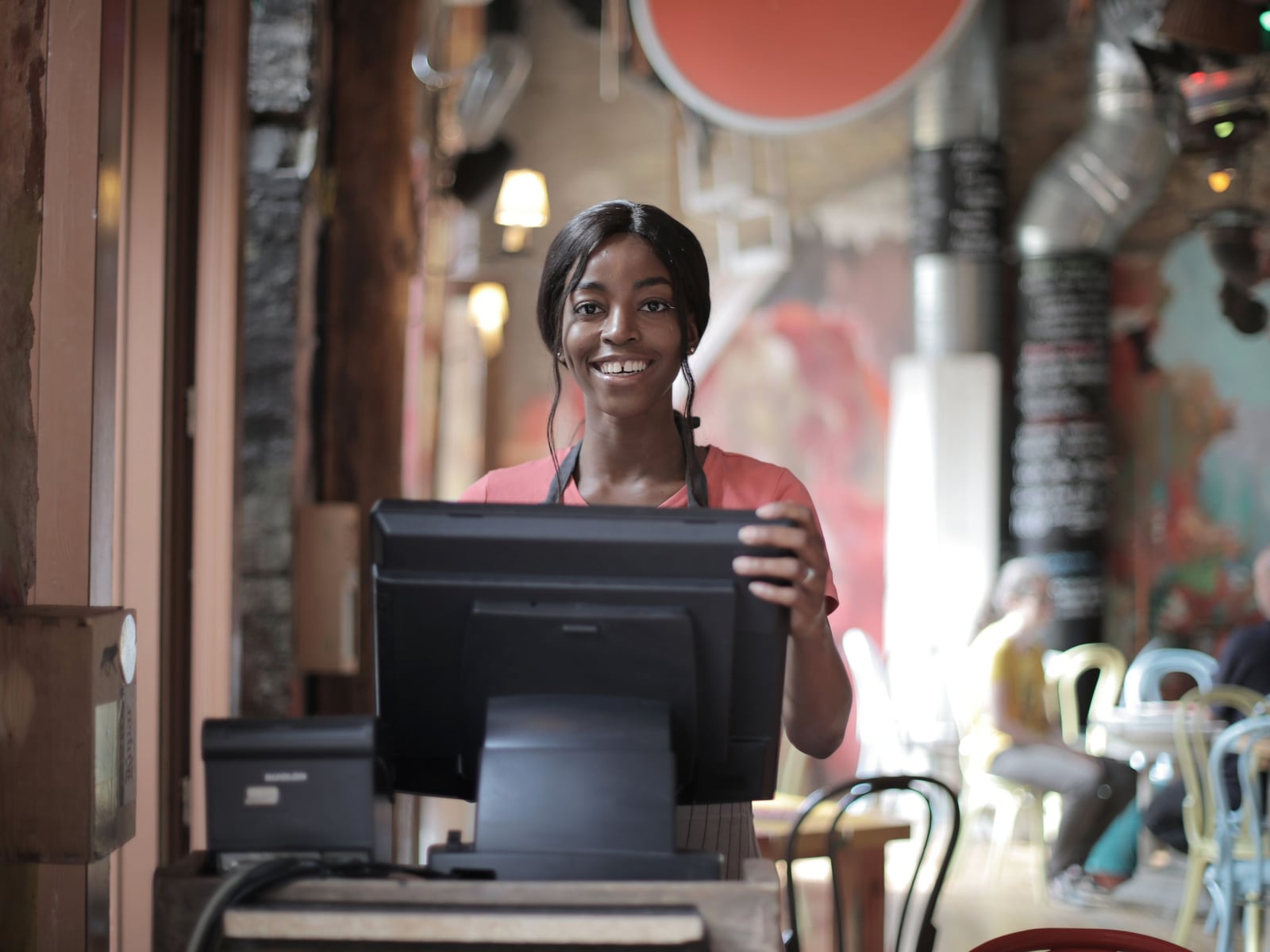
A register the whole team can use.
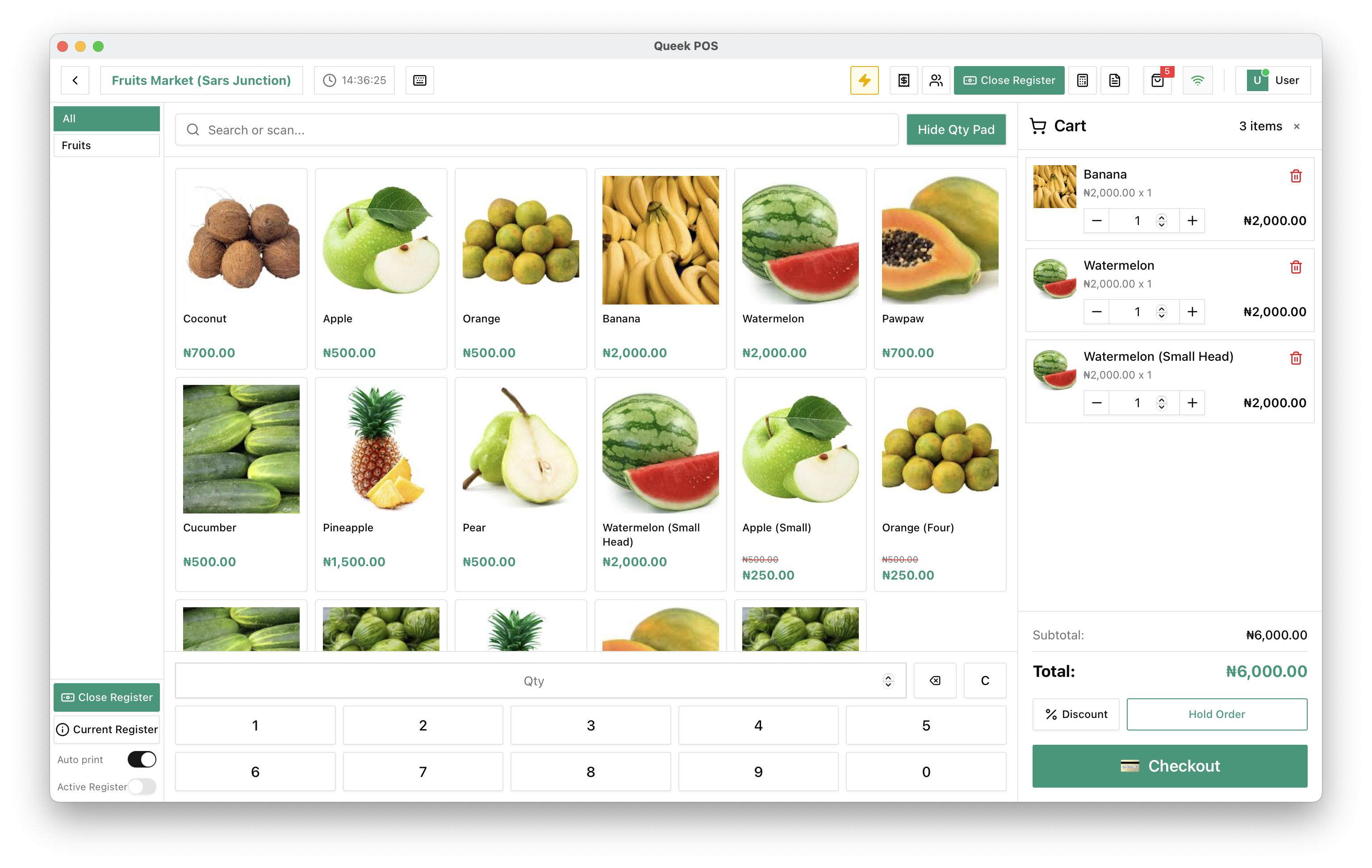
Ring up walk-in orders, take cash, transfer or your POS terminal, and hold an order while you serve the next customer.
Your menu online, ready for delivery or pickup.
Dress your website in Roast or another theme, and send orders out with Queek riders or your own. On Queek Marketplace, Queek AI sells it to shoppers who ask.

One menu for every table, till and doorstep.
Starter is the POS-first plan for restaurants, cafés, food vendors and kiosks.
Compare plansMenu from a photo
Hand Qee your menu; items come back drafted for approval.
Table ordering
QR codes for dine-in and pickup.
POS
Counter sales on the same menu.
One kitchen queue
Every channel's orders in one list.
Delivery and rider app
Queek riders, or your own with the rider app.
Receipts
Print one from any order.
Restaurant questions, answered.
What to know before you open the kitchen on Queek.
Frequently asked questions
Which plan suits a restaurant?

Starter is built for restaurants, cafés, food vendors and kiosks, with POS and QR table ordering. Growth adds WhatsApp, Instagram and Telegram orders.
Can guests order from the table?
Yes. A QR code on each table opens your menu, and orders arrive as dine-in.
How do I get my menu online?
Hand Qee a photo of your menu and it drafts the items for you to approve. Then they're on your website, POS and QR menu at once.
Does Queek deliver for me?
It can. Send orders with Queek riders or your own, or offer pickup.
Do you take a commission?
Only on Queek Marketplace orders. Website, QR, POS and chat orders are yours in full.
Set up once. Start selling today.
Free to start. Add POS, inboxes and your team when you need them.
- 01
Add your products
Type them in, or let Qee draft them for your approval.
- 02
Choose your channels
Website, inboxes, in-store QR, POS and Marketplace.
- 03
Take your first order
It lands in Queek OS, ready to fulfil.

Table 4 · 3 items
via online payment
Your first order, on any channel