
Every channel's orders, in one order book.
Website, inbox, QR, POS, Marketplace and API orders arrive in one list, with the channel, customer, items and payment status on each.
- Delivery, pickup or dine-in
- Payment status on every order
- Receipts from the POS
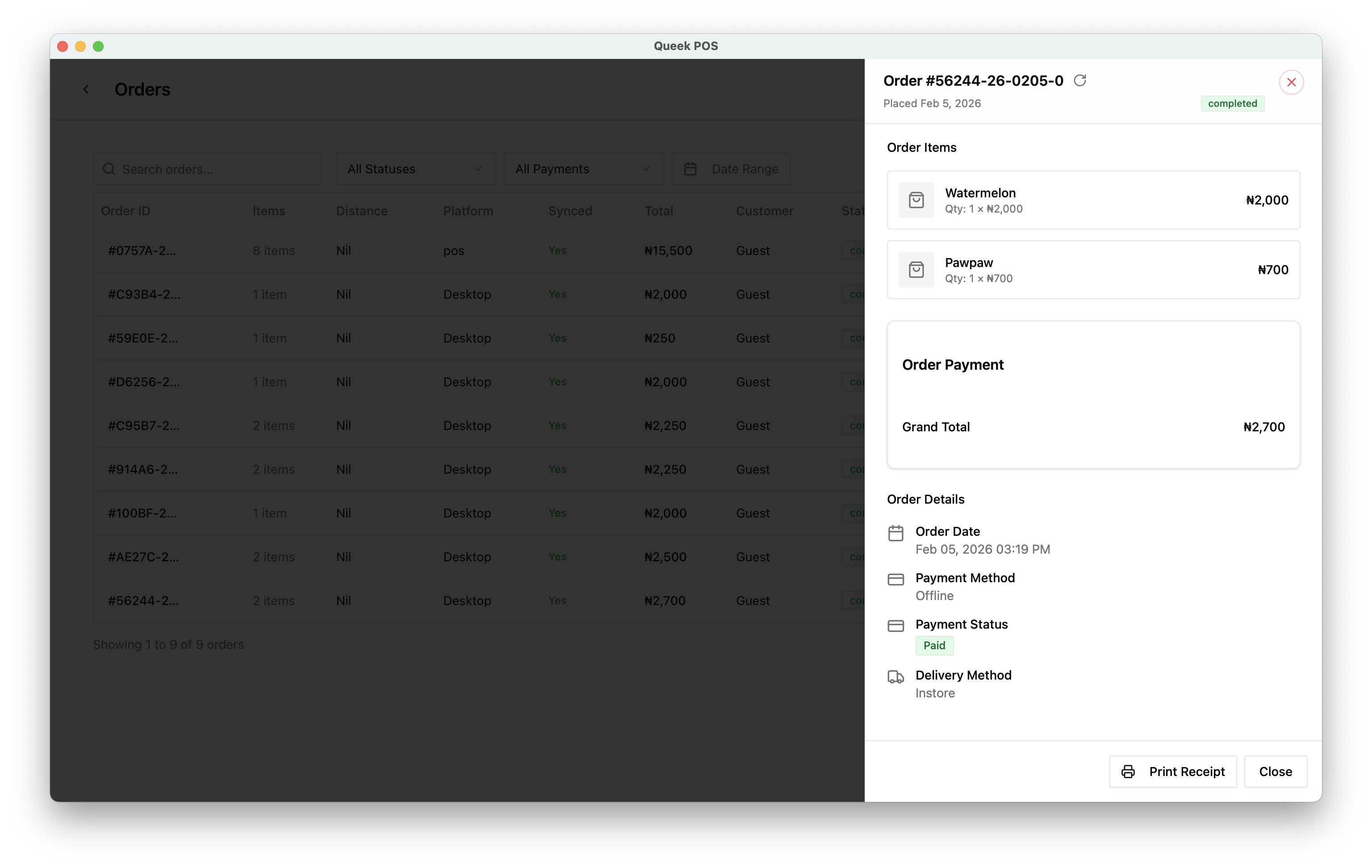
New orders wait for your call.
Pending orders open with the items, total and order time. Accept to start preparing, or reject what you can't fulfil.
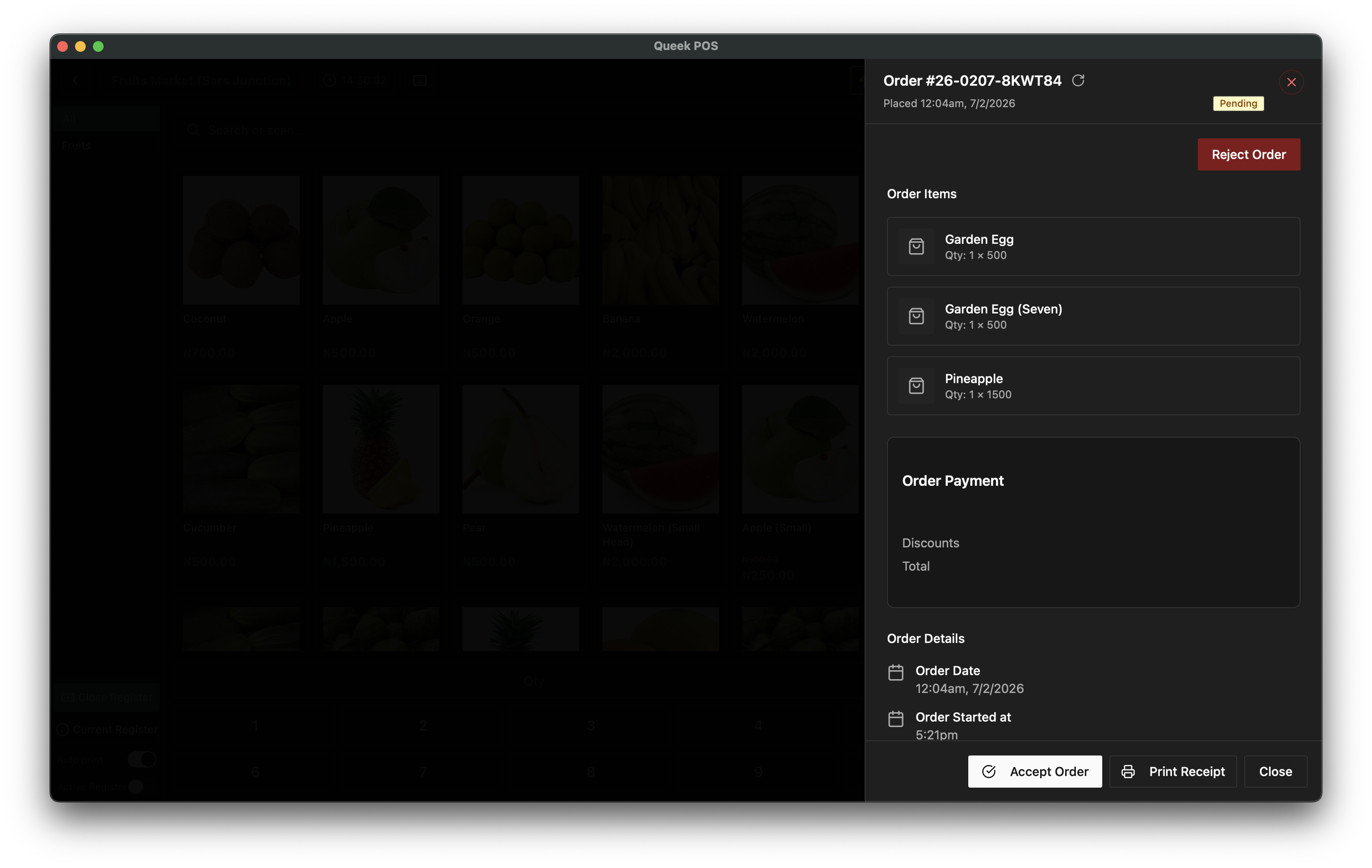
Pending, in progress, completed.
Filter the order book by status or date, and search any order. The same order book opens at the POS counter.
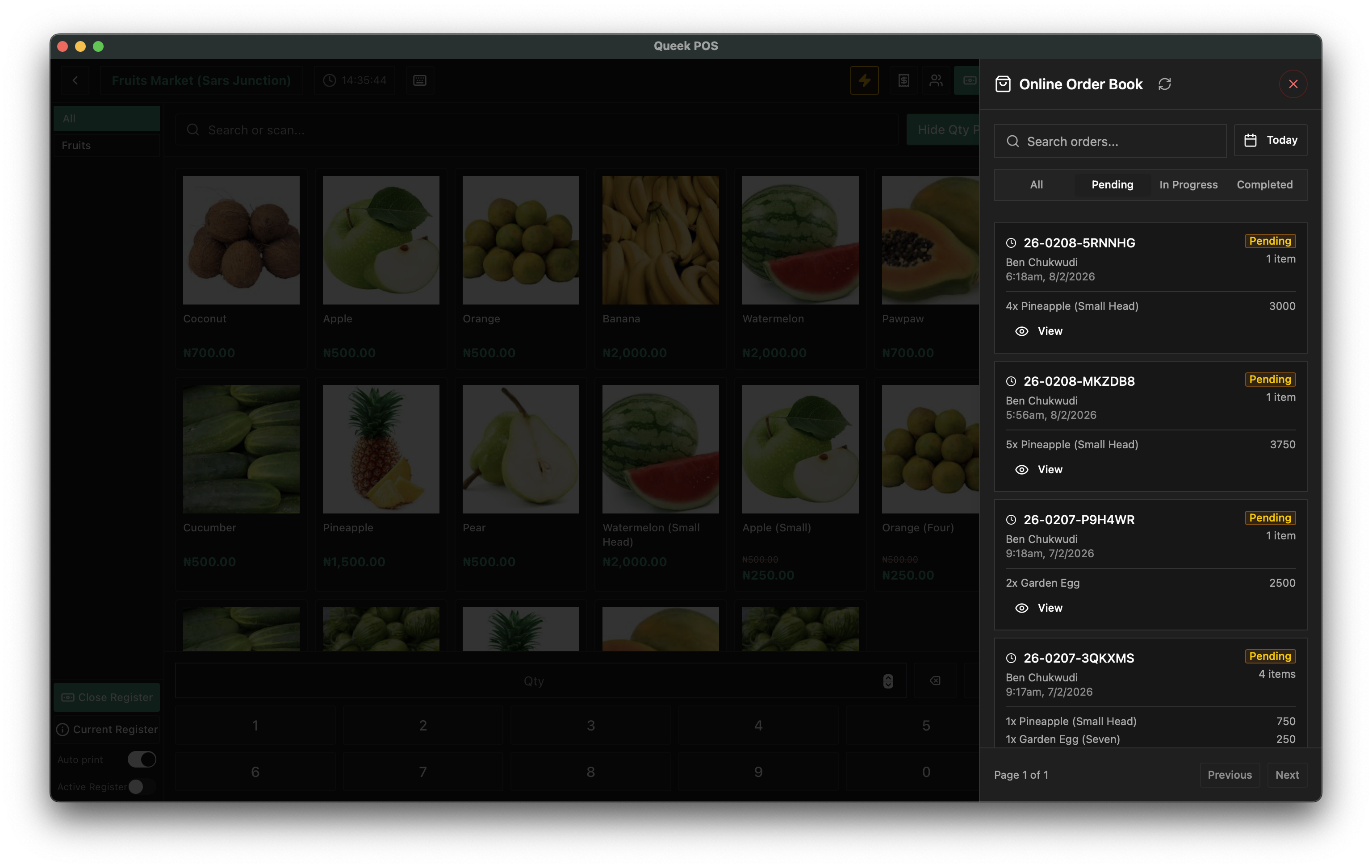
See how the day is going.
Revenue over time and orders by status, from the same records your channels write to.
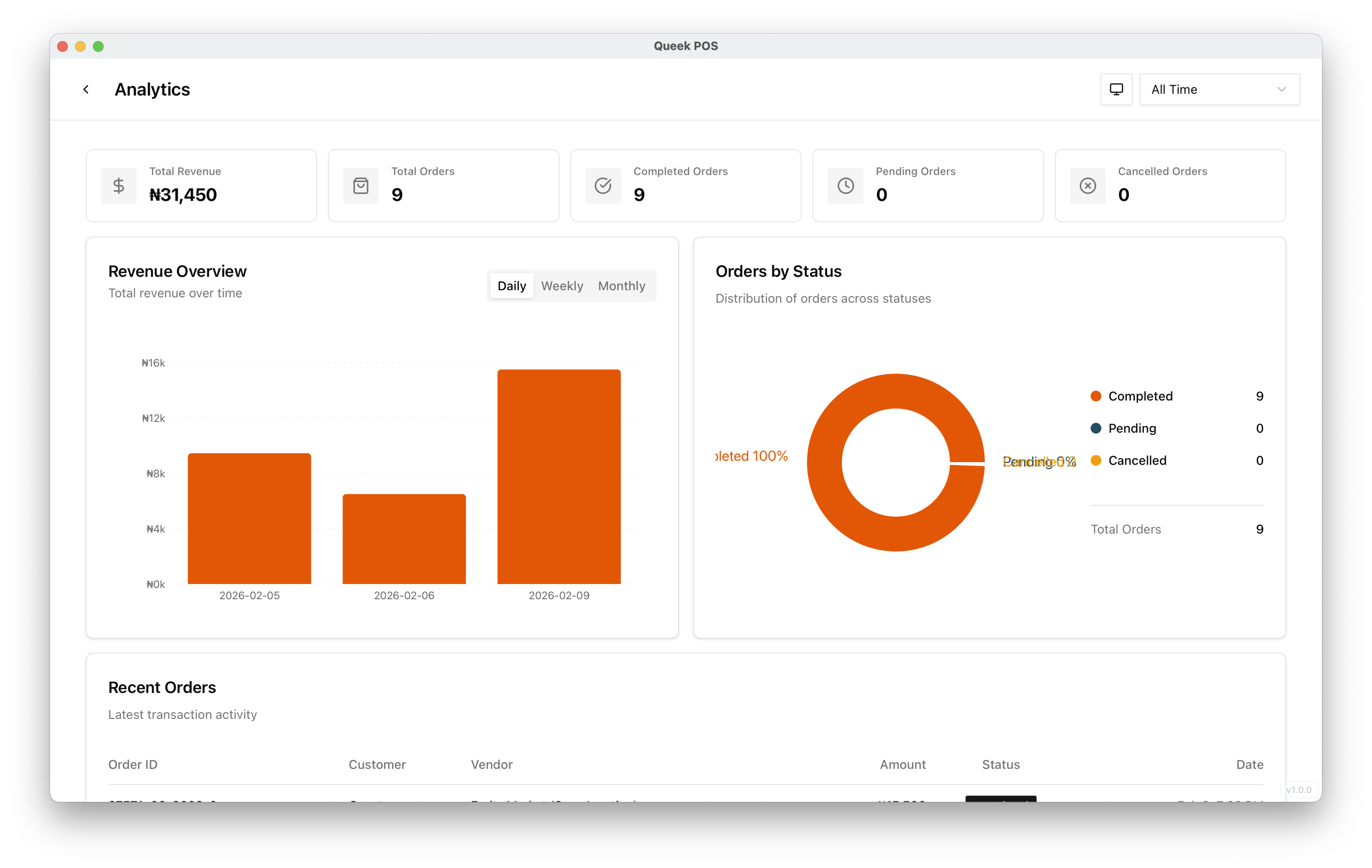
Built around the order, not the channel.
Every channel writes to the same order records, so nothing lives in a separate spreadsheet.
See every channelEvery channel
Website, inboxes, QR, POS, Marketplace, Queek AI and API.
Every fulfilment
Delivery, pickup, dine-in, shipping and digital.
Payment status
Online, bank transfer or cash, recorded on the order.
Receipts
Print a receipt straight from the order.
Order export
Export your orders on Starter and up.
Order webhooks
Created, paid, updated, fulfilled and cancelled events.
Order questions, answered.
What to know about running orders on Queek OS.
Frequently asked questions
Which channels feed the order book?

Your website, WhatsApp, Instagram and Telegram inboxes, in-store QR, POS, Queek Marketplace, Queek AI and the API. Staff can also place orders at the counter.
Can I reject an order?
Yes. Pending orders can be accepted or rejected before you start preparing them.
How do I see if an order is paid?
Every order shows its payment method and status. Online payments are marked paid automatically; you confirm bank transfers and cash yourself.
Can I export my orders?
Yes, on Starter, Growth, Scale and Enterprise.
Set up once. Start selling today.
Free to start. Add POS, inboxes and your team when you need them.
- 01
Add your products
Type them in, or let Qee draft them for your approval.
- 02
Choose your channels
Website, inboxes, in-store QR, POS and Marketplace.
- 03
Take your first order
It lands in Queek OS, ready to fulfil.

₦12,800
via online payment
Your first order, on any channel