A message comes in from a customer in the UK: "Love this! How much in pounds, and do you ship here?"
You open a calculator, convert your price at today's rate, and quote £14. Two weeks later you look at what actually landed after fees and the rate moving, and you've made almost nothing on the sale.
Selling abroad is one of the best ways to grow. Pricing it on the fly is how you end up working for free. Multi-currency pricing for a small business comes down to one rule: price each country from your margin, not from today's rate.
Why "just convert it" loses money
Three things eat the gap between your price and what you receive:
- Payment fees. International card payments cost more than local ones.
- Currency conversion. Changing the money back into your currency costs a cut too.
- The rate moves. Between setting the price and getting paid, the rate can shift against you.
If your foreign price is just your home price converted, every one of these comes out of your profit.
How to set multi-currency prices as a small business
You don't need a finance degree. For each product:
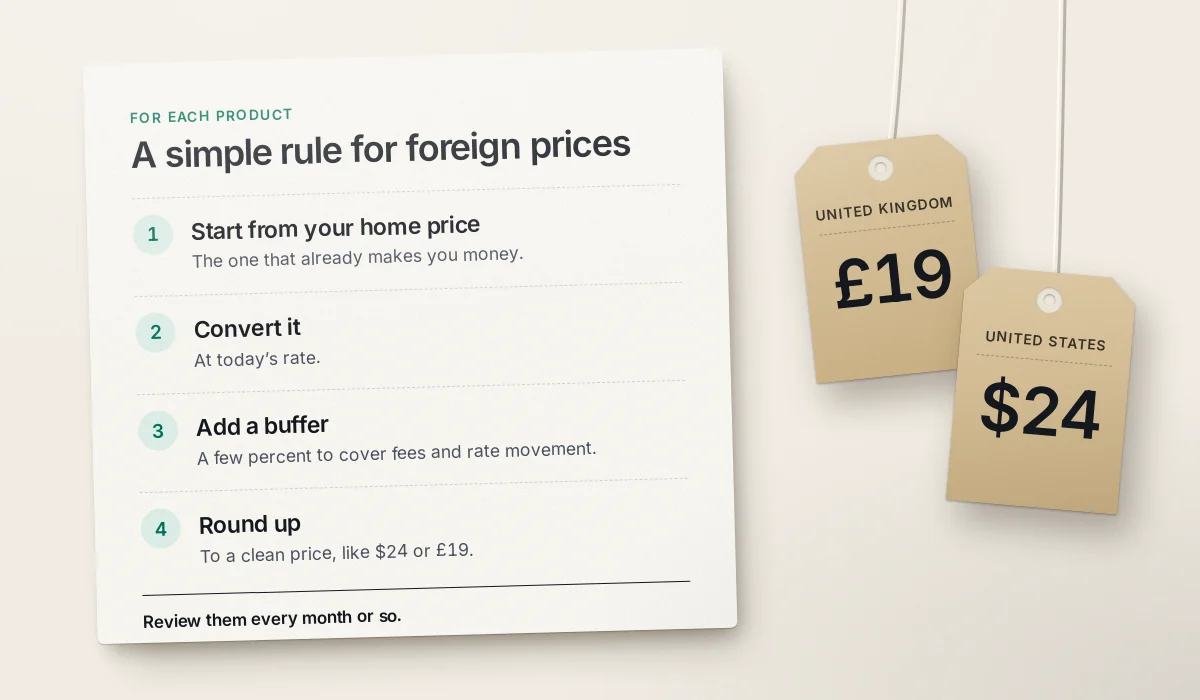
- Start from your home price, the one that already makes you money.
- Convert it at today's rate.
- Add a buffer, a few percent to cover fees and rate movement.
- Round up to a clean price, like $24 or £19.
Then check your cheapest items most closely. A small fixed fee hurts a £5 product far more than a £50 one.
Review your foreign prices every month or so, and whenever the exchange rate moves a lot.
Let Queek show every country its own price
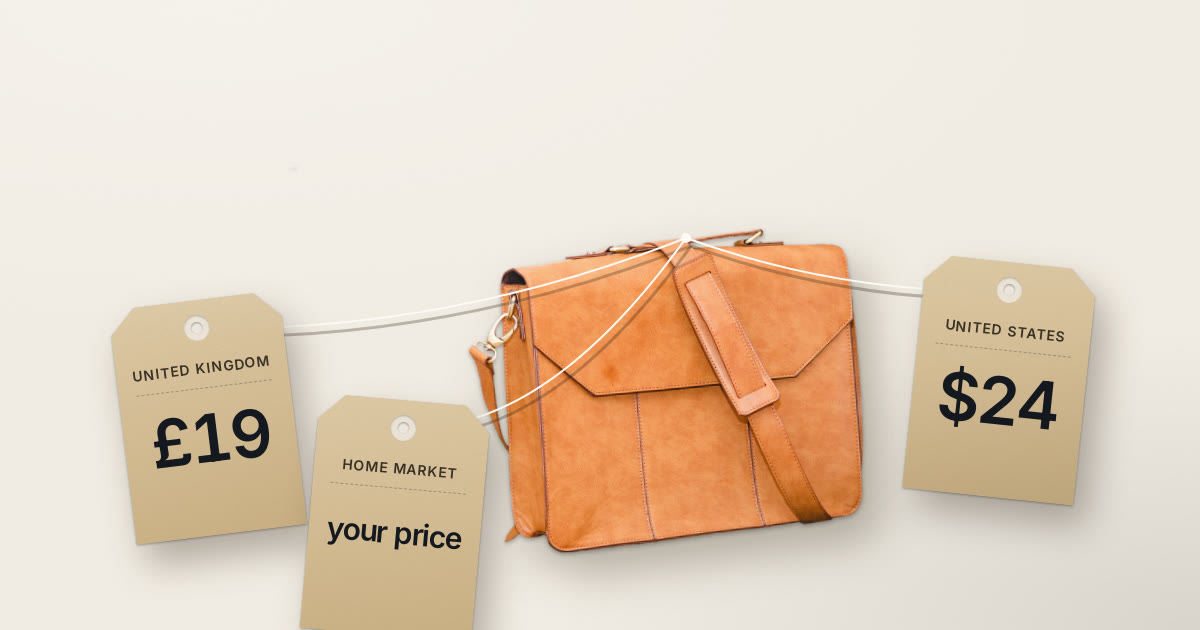
Once your prices are worked out, you don't want to quote them by hand in every chat. With Queek Markets (on the Growth, Scale or Enterprise plan, with your own payment account connected) you set prices per market, and each market has its own countries and currency.
For example:
- Your home market: prices in your own currency.
- United Kingdom: prices in pounds.
- United States: prices in dollars.
Customers in each market see the price you set for them, in their own currency, on your Queek store. Send the store link instead of converting in the chat.
A new market starts unpublished, so you can set every price, check your margins, and only then publish it. Queek won't publish it until every product customers can see has a price in that market.
Get paid from abroad
Customers abroad pay by card through your own payment account, for example Stripe, which accepts USD, GBP, EUR and many other currencies (see payments). You connect your own account on the Growth, Scale or Enterprise plan, and the provider verifies your business directly.
Ship with your own shipping zones, priced in the market's currency, or offer pickup.
Customers at home keep paying the way they do today.
Set it up
- Create your Queek store at usequeek.com and add your products.
- Work out your foreign prices with the rule above.
- Create a market for each country or region, with its currency and prices.
- Connect your own payment account, for example Stripe, on the Growth, Scale or Enterprise plan.
- Publish the market when your prices are ready.
Grow abroad, keep your profit
Customers abroad are happy to pay a fair price in their own currency. Just make sure that price still pays you.
Start on Queek and open your store to the world.
Frequently asked questions
Should I just convert my prices at today's rate?
No. Add a buffer for payment fees and exchange-rate movement, then round up to a clean price. Converting at today's rate exactly leaves no room if the rate moves.
Can Queek show different prices to different countries?
Yes. Queek Markets let you set prices per market, each with its own countries and currency.
How do customers abroad pay?
Through your own payment account, for example Stripe, which accepts USD, GBP, EUR and many more currencies. You connect your own account on the Growth, Scale or Enterprise plan.
Will a new market change my prices straight away?
No. A new market starts unpublished, so customers see nothing until you publish it.