"Yes, I'll take it. Sending the money now."
That was yesterday. Since then, nothing. You've kept the item aside. You told another customer it was sold. And now you're wondering whether to message again or let it go.
Every seller has had a customer who ordered but didn't pay. Some are people who got busy. Some are never going to pay. Both cost you money while the item sits on hold.
Customer ordered but didn't pay? Don't chase, send a plan
The worst follow-up is the vague one: "Hello?? 👀". It's awkward, it's easy to ignore, and it doesn't tell the customer what happens next.
What works is a short sequence with a clear end. Three messages, then you move on.
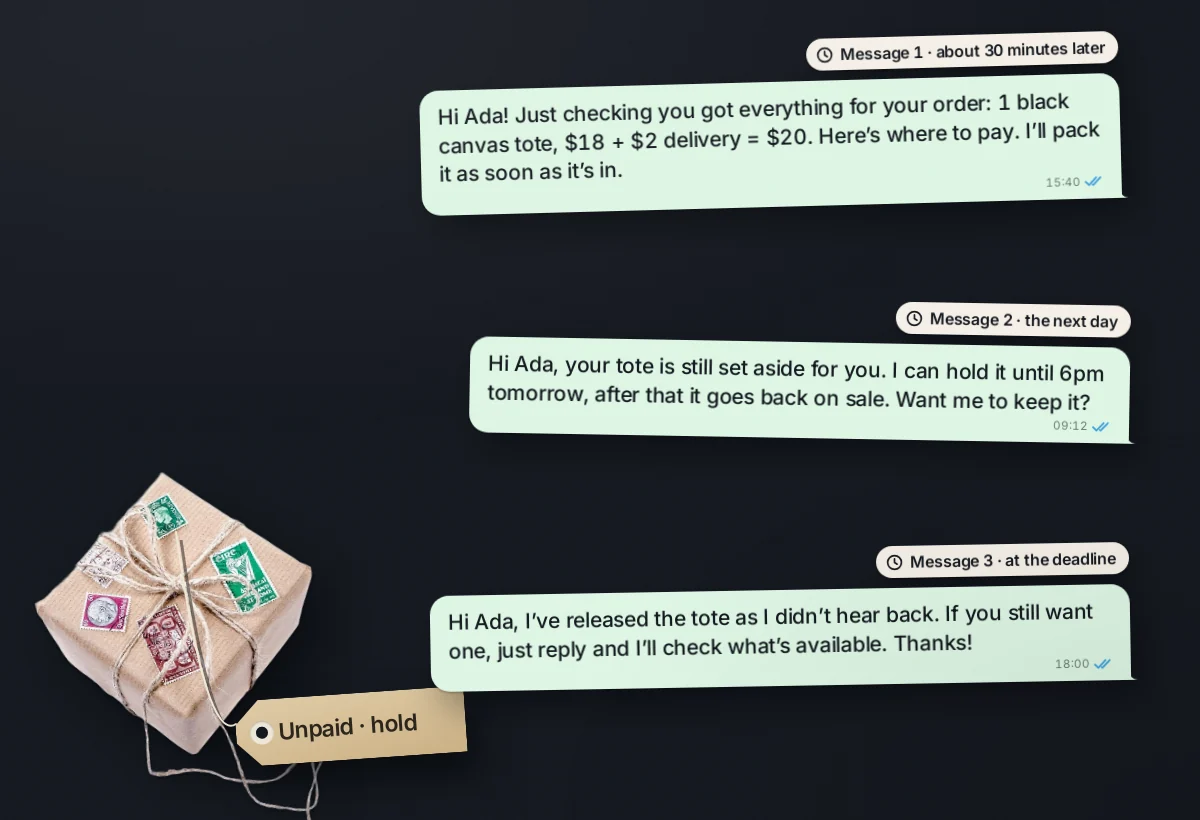
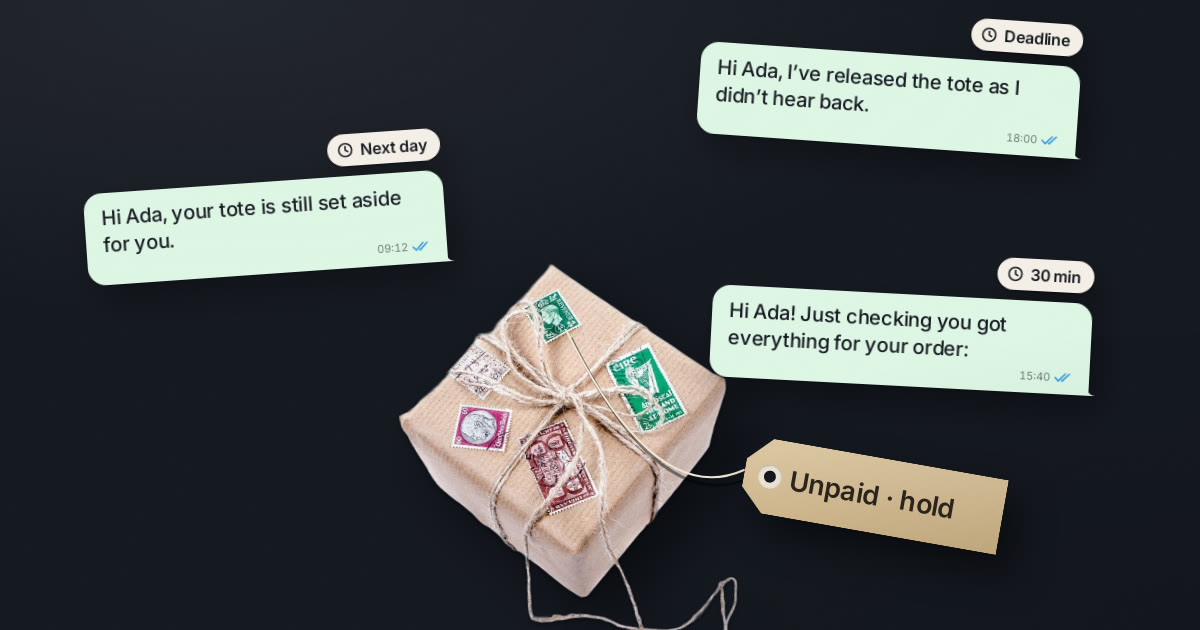
Message 1: A friendly nudge (about 30 minutes later)
Most unpaid orders are just distraction. Remind them while they still care.
Hi Ada! Just checking you got everything for your order: 1 black canvas tote plus delivery, [total]. Here's where to pay. I'll pack it as soon as it's in.
Restate the order and the total so they don't have to scroll back.
Message 2: A clear reminder (the next day)
Hi Ada, your tote is still set aside for you. I can hold it until 6pm tomorrow, after that it goes back on sale. Want me to keep it?
A deadline is not rude. It's a favour: it tells the customer exactly where they stand.
Message 3: Close it (at the deadline)
Hi Ada, I've released the tote as I didn't hear back. If you still want one, just reply and I'll check what's available. Thanks!
Then put the item back on sale. No guilt, no grudge. Customers often come back after this one.
Even better: fewer unpaid orders to chase
Unpaid orders mostly happen because ordering and paying are two separate steps: the customer says yes in the chat, then has to go and transfer later. Anything can happen in between.
Queek closes the gap in three ways:
- Pay as you order, in chat. With Inboxes, your AI Agent takes the order inside your WhatsApp, Instagram or Telegram and sends the customer straight to pay. That shrinks the "I'll send it later" gap.
- Pay as you order, online. Your Queek store website takes payment at checkout, and the order is marked paid when the money comes through.
- Automatic cart reminders. When a signed-in customer adds items to their cart and leaves before ordering, Queek emails them a reminder for you. That's on Starter, Growth, Scale, Social Media and Enterprise.
For the ones that still slip, your order list shows placed orders that aren't paid yet under Unpaid, and Abandoned checkouts lists customers who started to pay and stopped. That's where the three messages come in.
Set it up
- Create your free store at usequeek.com and add your products.
- Share your store link so customers pay at checkout when they order.
- Connect your chats with the Social Media plan, or the Growth, Scale or Enterprise plan, so your AI Agent takes orders in your DMs and sends the payment link.
- Save the three messages above for the orders that still slip.
Get paid, or get your item back
An unpaid order isn't a sale. It's stock you can't sell to anyone else.
Start free on Queek and make paying part of ordering.
Frequently asked questions
How long should I hold an item for a customer who hasn't paid?
Set a clear deadline and tell the customer when you take the order. 24 to 48 hours suits most small shops. After that, release the item.
What do I say to a customer who ordered but didn't pay?
Keep it short and friendly, restate the order and total, and give a clear next step and deadline. The three messages in this post are ready to copy.
Does Queek send payment reminders automatically?
Queek automatically emails signed-in customers who leave items in their cart before ordering, on Starter, Growth, Scale, Social Media and Enterprise. Orders already placed but not yet paid don't get an automatic email, so use the three messages for those.
How do I stop customers ordering and not paying?
Make paying part of ordering. Queek checkout on your website takes payment as the customer orders, and in your chats your AI Agent sends the payment link with the order.