
Queek POS
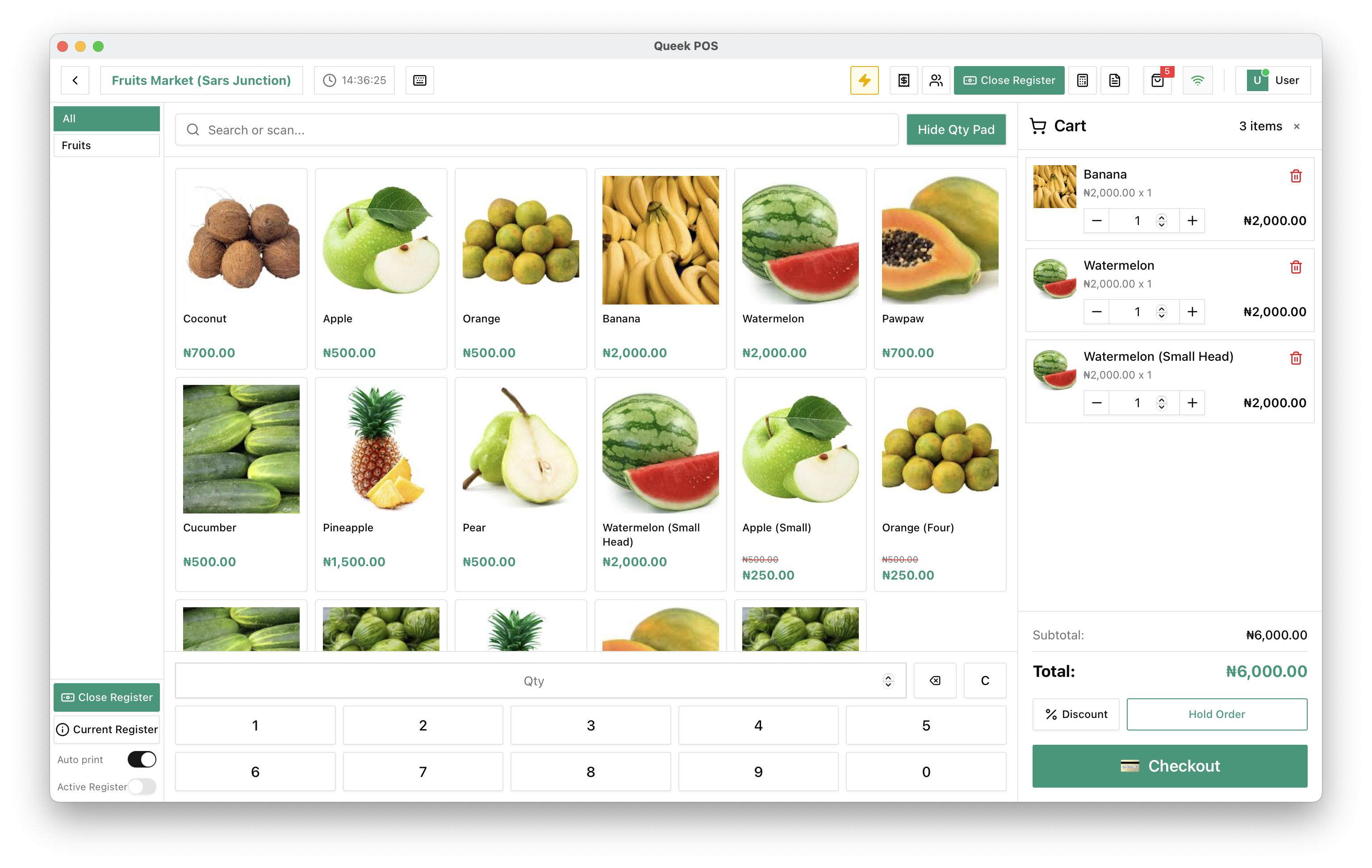
Sell at the counter. Same stock as online.
Tap, scan or search to ring up a walk-in sale, print the receipt, and see every sale in one place.
Runs on Windows 10 and 11, macOS 12 and later, and Linux, or in the browser on a phone or tablet. New to Queek? Get Queek POS
Who it's for
From a café counter
to a street-side stall.
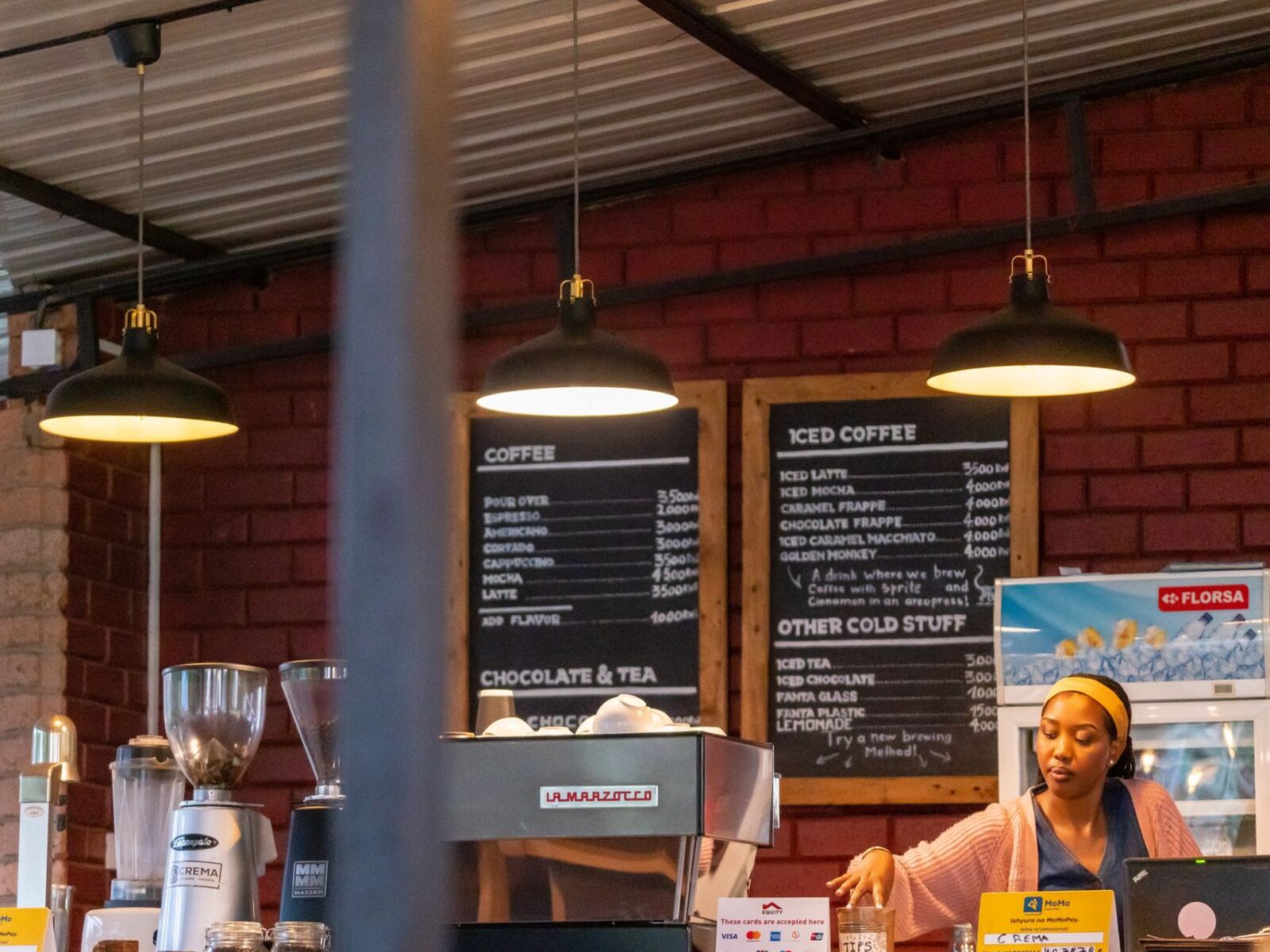
The coffee's on, and the order is already rung up.



Cafés and restaurants
Ring up takeaway and dine-in at the counter, and print the receipt on the spot.
- Dine-in and pickup
- Receipt printing
- In-store QR ordering
At the counter
Ring it up, hand it over,
close the day.
Everything a cashier does in a shift, in one app on the till.
The line keeps moving
Tap a product, scan its barcode or search by name. The cart totals as you go, and the receipt prints the moment it's paid.
Payments at the counter
Cash, card or transfer.
Split it any way.
Every payment is recorded against its sale, so the register knows what came in and how.
Cash
Recorded at the till, and counted against what the register expects when you close.
Card terminal
Take the card on your own terminal, then record it in the POS. The register totals card takings apart from cash.
Bank transfer
The customer pays into your account, and you record the transfer against the sale.
Split payments
Part cash, part card, part transfer: one bill, paid as the customer likes.
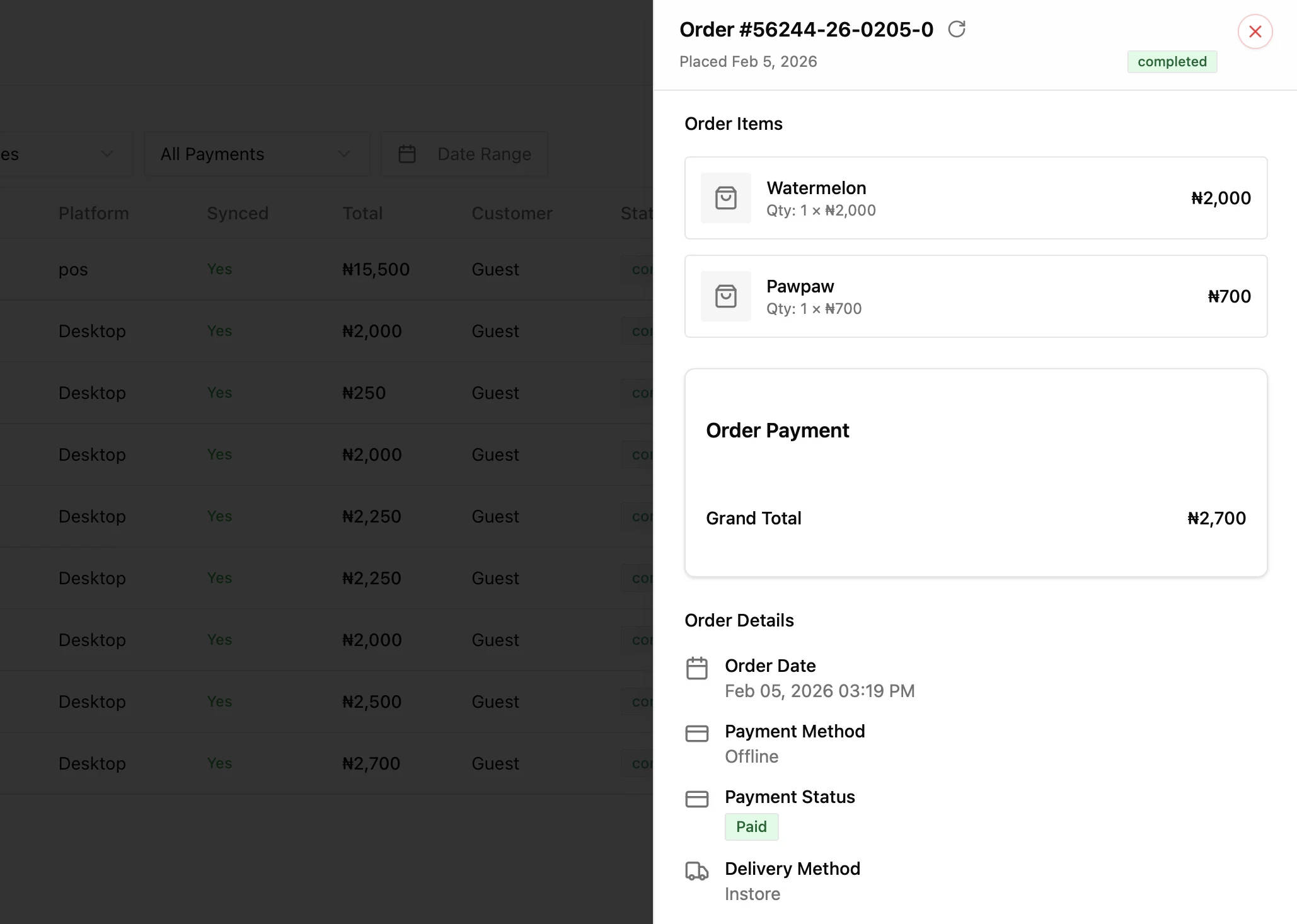
Card payments are taken on your own terminal. Queek records them with the sale.
How payments workSet up
Selling at the counter
by this afternoon.
- 01
Create your store
Start free. Add your products, or hand Qee a photo of your menu and approve the drafts.
- 02
Turn on the POS
Pick a plan with the POS and install it on your till.
- 03
Add your cashiers
Give each cashier a PIN, then open a register.
Runs on the till you have.Download Queek POS
Questions owners ask
Before you open the till.
Do I need to buy special hardware?
No. Install the desktop app on Windows 10 or 11, macOS 12 or later, or Linux, or open the POS in the browser on the phone or tablet you already have.
Use your phone or laptop as a tillHow do customers pay at the counter?
In cash, by card on your own terminal, or by bank transfer, and one bill can be split across them. The POS records each payment against the sale; card payments go through your terminal, not through Queek.
Can every cashier have their own sign-in?
Yes. Each cashier signs in with their own PIN, and roles decide who can sell, manage stock or see the numbers.
Does it work with barcodes?
Yes. Generate a barcode for any product, then scan it at the till. In the browser, the device camera can do the scanning.
Which order types can staff ring up?
Dine-in and pickup. Delivery orders come through your website, chats and Queek Marketplace instead.
Can I print receipts?
Yes. Print a receipt for any sale, or switch on auto print so every paid sale prints by itself.
Which plans include the POS?
Starter, Growth, Scale and Enterprise. The Social Media plan is made for selling in chats and doesn't include it.
Compare plansGet started
Open the register.
It's free to start. Turn on the POS when your counter is ready.
Ask Qee to show sales by channel
Free to start. See pricing