
Order management
Every order, one list. Nothing slips through.
Orders from your website, chats, Queek Marketplace, in-store QR, POS and API land in one list, each with its customer, items, payment and delivery.
How an order runs
Accept it. Get paid.
Send it out.
The same few steps for every order, with what you need for each one on the order itself.
Accept or reject
An online order waits for you with its items, total and time. Accept it to start preparing, or reject what you can't fulfil.
See what's paid
Each order shows how it was paid and whether it is. Online payments are marked paid for you; anything paid another way, you confirm.
How payments workSend it out
Delivery, pickup, dine-in, shipping or digital, as the customer chose. Hand a delivery to one of your riders, or add tracking and the customer gets it by email.
Delivery and fulfilmentRefund or take it back
Refund all of an order or part of it, and put the items back in stock. Customers who bought on your website can ask for a return, under rules you set.
Included
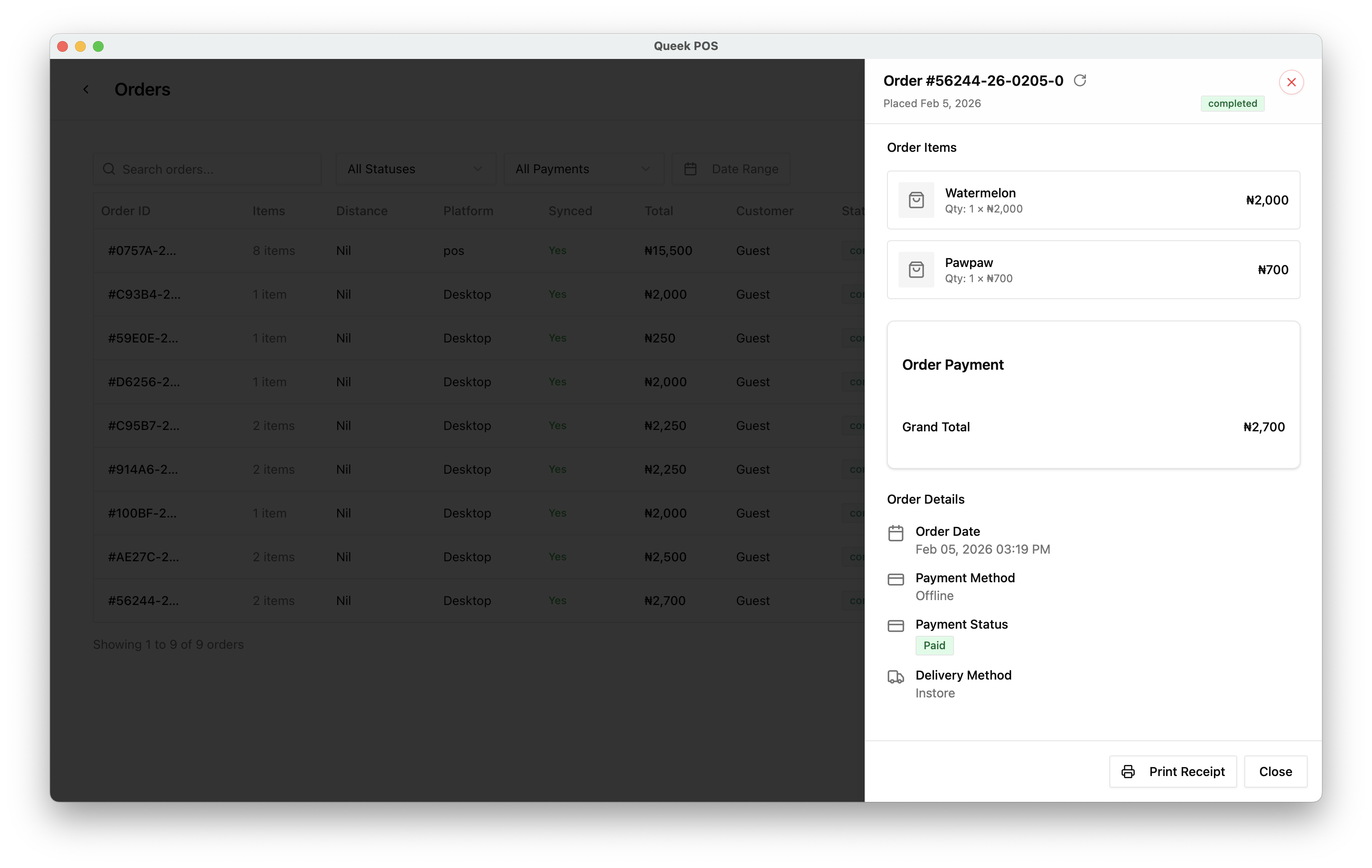
Everything about an order,
kept on the order.
What every order carries, wherever it came from.
Find any order
Tabs for open, unpaid and shipping orders, filters by channel, status and date, and an export of exactly what you're looking at.
Keep customers posted
Order and tracking emails in the customer's language, a note when a refund lands, and a reminder for a checkout left unfinished.
Keep the record
Every change with who made it, notes your team leaves, and a receipt to print.
Connect your systems
Webhooks for every order, refund and return, and the Merchant API to read and create orders.
Some features depend on your plan.
See plans and pricingQuestions owners ask
Before your next order.
Which channels feed the order list?
Your website, your WhatsApp, Instagram and Telegram chats, in-store QR, Queek POS, Queek Marketplace, Queek AI and the API. Orders you take yourself go in the same list.
Can I turn an order down?
Yes. An online order waits for you to accept or reject it before you start preparing it.
How do I know an order is paid?
Every order shows its payment method and status. Online payments are marked paid for you; a transfer, cash or a payment method you set up yourself, you confirm. Available payment methods depend on your country.
How payments workCan I take an order for a customer?
Yes. Enter it from the dashboard, ring it up on Queek POS, or create it through the Merchant API. It joins the list like any other order.
How do refunds and returns work?
Refund all of an order or part of it from the order. A payment made online goes back the way the customer paid, and refunded items can go back in stock. Customers who bought on your website can ask for a return under the rules you set.
Where do unfinished checkouts go?
To their own Abandoned checkouts page, never your order list, so the list only holds orders customers actually placed.
Can I export my orders?
Yes, on every paid plan. The export takes the list you're looking at, with its tab and filters.
See plans and pricingGet started
Take your first order today.
It's free to start. Every order lands in one list from day one.
Ask Qee to show today's pending orders
Free to start. See plans and pricing