
Restaurants, cafés and kitchens
Dine-in, pickup and delivery. One menu runs them all.
Guests order from their table, walk-ins pay at the counter, and online orders come in for pickup or delivery. Every order lands in the same list for the kitchen.
At the table
Dine-in
Guests scan the code on their table, order and pay on their phone. Or your staff ring the order up at the counter.
In-store QR orderingThe order's steps
- Order Accepted
- Ready to Serve
- Order Served
At the counter
Pickup
Ordered on your website, or rung up at the counter as a pickup, then collected when it's ready.
Queek POSThe order's steps
- Order Received
- Preparing Your Order
- Ready for Pickup
- Picked Up
At their door
Delivery
Ordered on your website and taken out by your own riders, who run their deliveries from the rider app. Queek riders are coming soon.
Delivery and fulfilmentSteps include
- Order Received
- Order in Progress
- On the Way
- Delivered
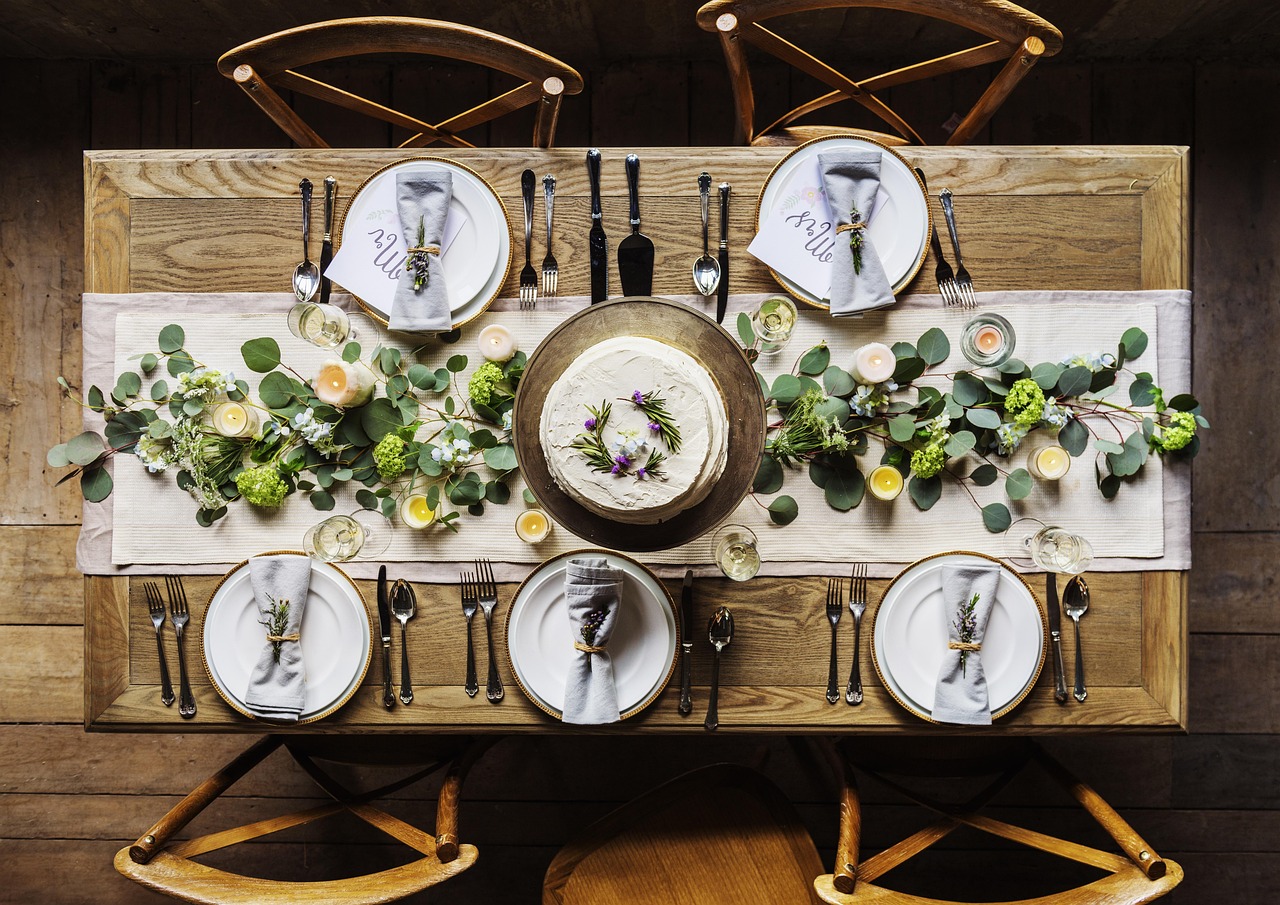
Table ordering
One code,
printed for every table.
Your store has one In-Store QR code. Print it for every table, and guests order and pay from their seat.
Scan
Guests point their phone camera at the code. Your menu opens in the browser, with no app to download.
Order from the menu
Sizes, extras and notes for the kitchen, chosen on their own phone.
Pick the table
Add your tables in Queek OS once, and guests pick theirs at checkout. The order arrives with its table.
Pay on the phone
Online or by bank transfer, before they put the phone down. Available payment methods depend on your country.
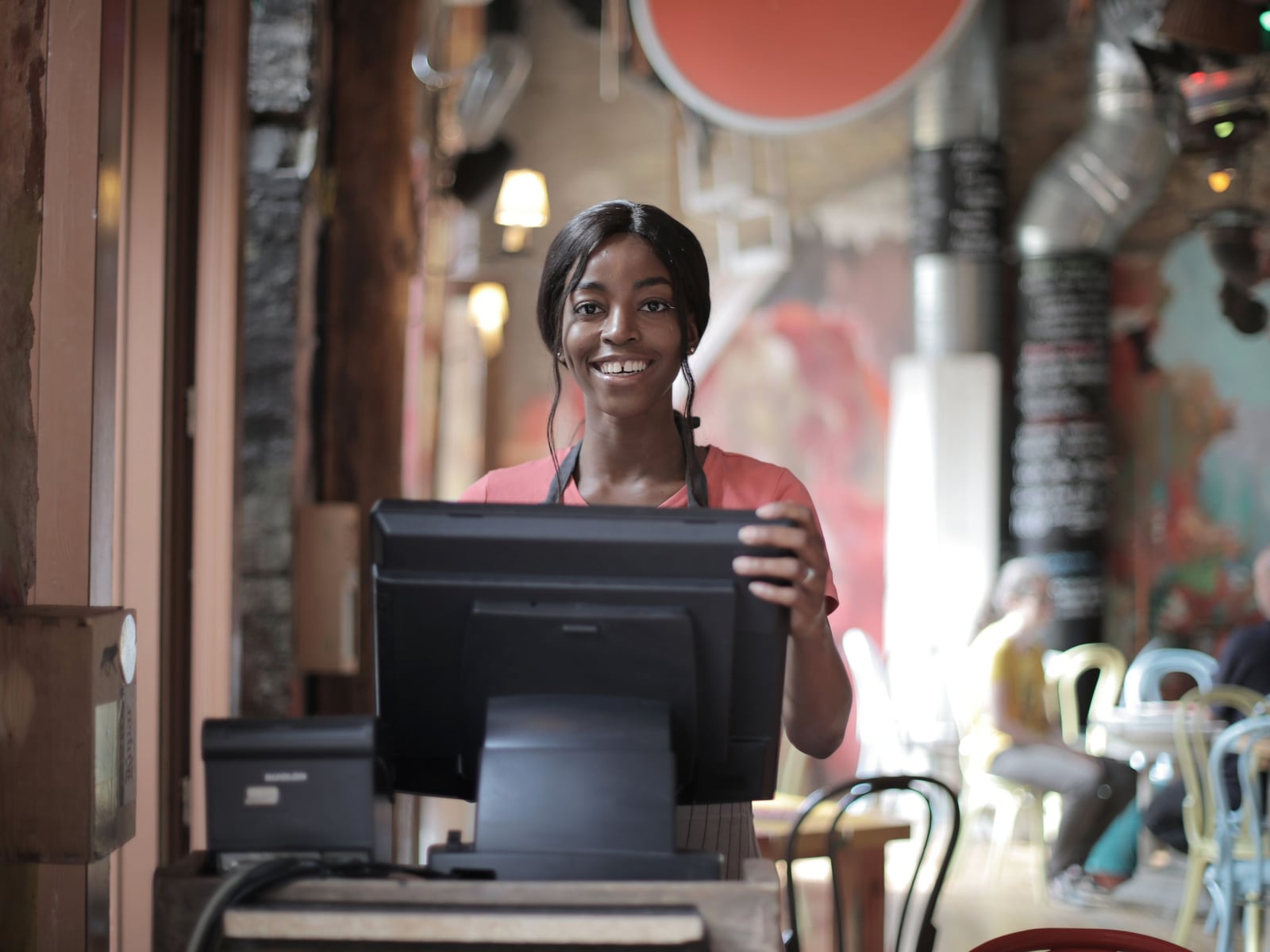
The counter
Walk-ins and online orders,
on one screen.
Queek POS runs the counter on the computer or tablet you already have, from the same menu as your tables and website.
Take payment
Cash, your own card terminal or bank transfer, or one bill split across them. Card payments stay on your terminal; the till records them.
Hold a sale
Park an order while a guest decides, and serve the next one in the queue.
Answer online orders
Table and website orders arrive in the order book on the same screen. Accept them, or reject what you can't make.
Close the shift
Staff sign in with their own PIN, receipts can print as each sale completes, and the register closes against the cash it expected.
Add-ons
Sizes, extras and takeaway packs,
priced on the dish.
Set up add-on groups once and attach them to your dishes. Guests pick as they order, and every choice is priced into the bill.
Size
Required. The guest picks one.
Extras
Optional, up to a limit you set.
Takeaway pack
Required only when the order leaves: pickup and delivery.
The same add-ons show at the table, at the counter and on your website.
Your menu online
Your menu on your own website.
Delivered or collected.
Every plan comes with a website. Pick a theme made for food, and the same menu takes orders for pickup or delivery by your own riders. Queek riders are coming soon.


Questions owners ask
Before your first service.
Can guests order from their table?
Yes. Print your In-Store code for every table. Guests scan it, order from your menu, pick their table and pay on their phone. No app to download.
Do I need a separate code for each table?
No. Your store has one code, printed for every table. Add your tables in Queek OS and guests pick theirs at checkout, so each order arrives with its table.
How do I get my menu in?
Photograph your menu and Qee, the assistant in Queek OS, drafts the dishes for you to approve. You can also import a spreadsheet or add dishes one by one.
Can I charge for takeaway boxes and extras?
Yes. Add them as add-ons on the dish: a takeaway pack, a size or an extra. Guests choose them as they order and they're priced into the bill.
Does it work with my card terminal?
Yes. Take the card payment on your own terminal and record it in Queek POS. Queek doesn't process it, so your terminal provider stays the same.
Can I deliver orders?
Yes. Your own riders run deliveries from the rider app, or customers collect. Queek riders are coming soon.
Which plan suits a restaurant?
A plan with Queek POS and In-Store ordering: Starter and up. Choose one that also includes Inboxes if you take orders in WhatsApp, Instagram or Telegram.
Compare plansGet started
Open for orders this week.
Set up your menu once. Tables, counter and website all take orders from it.
Ask Qee to draft my menu from a photo
Running more than one kitchen? Multi-location