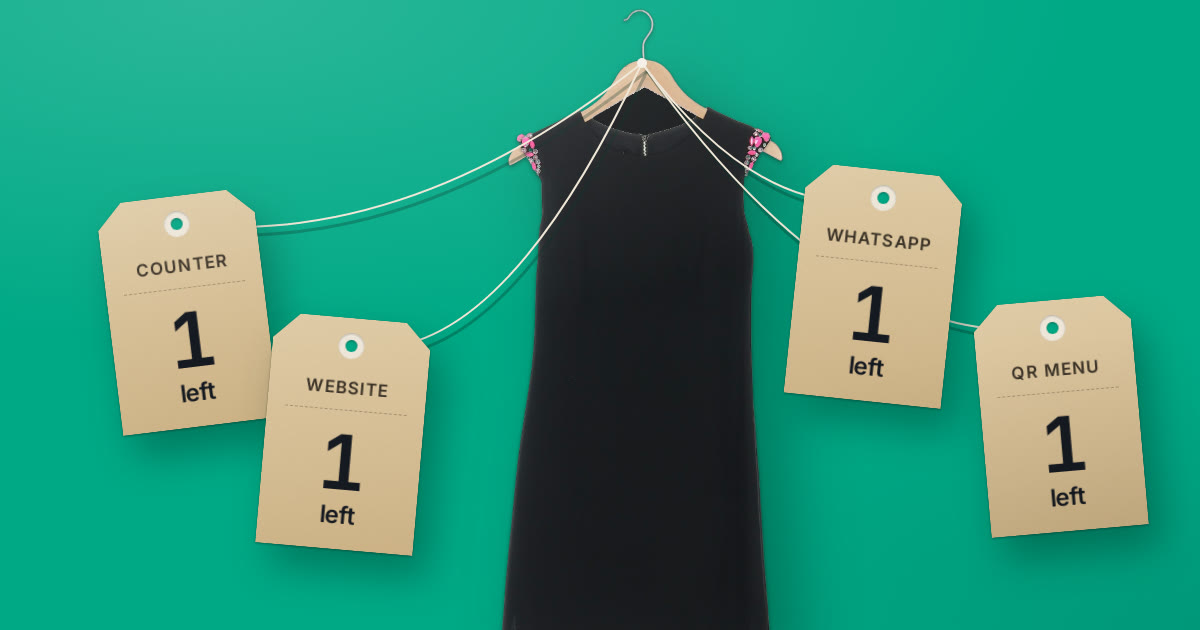
At 11am you sell the last black dress in size 12 to a walk-in customer. At 2pm someone pays for the same dress on your website. At 4pm a WhatsApp customer asks if you still have it, and you say yes because you haven't checked.
Now you have one dress, three customers, and two apologies to make. To sync inventory between online and physical store sales, every channel has to sell from one stock count, not three.
Why stock drifts
It's not that you can't count. It's that you're counting in three places.
- The shop knows what left the shelf.
- The website has its own stock number that nobody updated.
- WhatsApp has no stock number at all. It has you, from memory.
A sale in one place doesn't reach the others. So the busier you get, the more often you sell something you no longer have.
How to sync inventory between online and physical store sales
The only real fix is to stop keeping separate counts. Every place you sell should read from the same product list and take from the same stock.
That's how Queek works. You have one catalogue of products, prices and stock, and every channel sells from it:
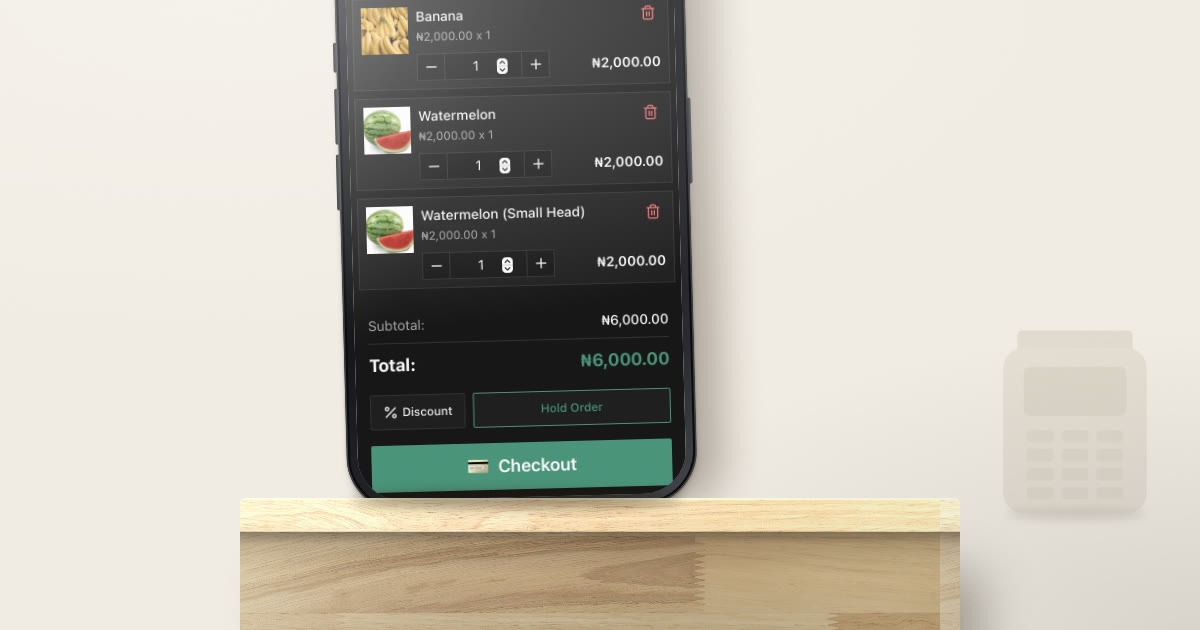
- Your counter, through Queek POS on a phone, tablet or laptop.
- Your website, with its own checkout.
- Your chats, where your AI Agent takes orders in WhatsApp, Instagram and Telegram.
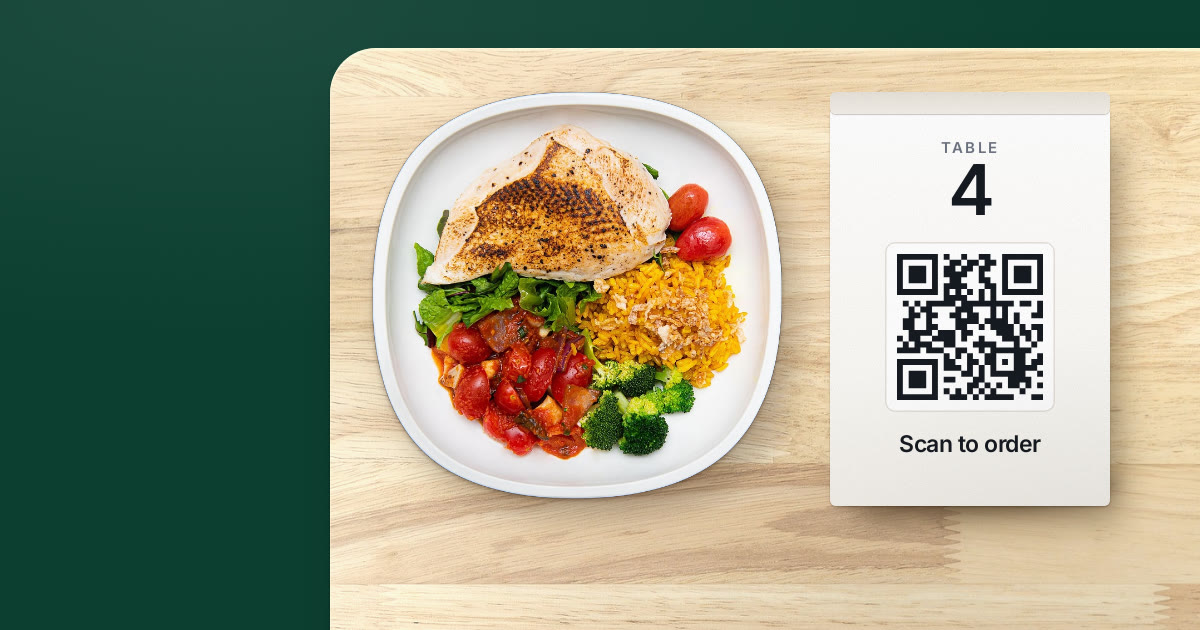
- Your tables, through QR ordering.
Turn on stock tracking, and every completed sale, wherever it happened, takes from the same count. Sell the last black dress at the counter, and it's gone everywhere.
What happens when something runs out
Because there's one product list, marking an item sold out takes it off sale everywhere at once: your website, your chats and your QR menu.
At the counter, the customer is already holding the item, so the sale always goes through. If the count says you had none, Queek records the shortfall so you know the number needs fixing.
See every sale in one list
Because every channel sells from one catalogue, every order also lands in one order list, labelled POS, Website, Inboxes or In-Store. One look tells you what sold and where, and your catalogue shows what's left.
A 5-minute habit that keeps the count honest
Software takes care of sales. It can't see damage, theft or the box you forgot to log. Once a week:
- Count your fastest sellers on the shelf.
- Compare with the stock number in Queek.
- Fix any difference, and note why.
Five minutes, and your website, your chats and your counter keep telling the truth.
Set it up
- Create your free store at usequeek.com.
- Add your products and stock, with sizes and colours as variants.
- Turn on the channels you use: POS and QR ordering on Starter and above, chats on Social Media, Growth and above (compare plans).
- Turn on stock tracking and start selling.
Sell it once
Your customers don't care where you keep your stock. They just want what they paid for.
Start free on Queek and run every channel from one stock count.
Frequently asked questions
Why does my stock go out of sync between my shop and my website?
Because each place keeps its own count. A sale in one place doesn't reduce the count in the others, so the same item can be sold twice.
Does Queek update stock when I sell at the counter?
Yes, when stock tracking is turned on. Counter, website, chat and QR orders all take from the same stock record when the order is completed.
What happens when an item runs out?
Mark it sold out once and it comes off sale on your website, chats and QR menu together. Counter sales still go through, because the customer already has the item in hand, and the shortfall is recorded so you can fix the count.
Which plan do I need?
The shared catalogue is on every plan. Selling at the counter and QR table ordering need Starter or above. Selling in WhatsApp, Instagram and Telegram needs Social Media, Growth, Scale or Enterprise.